
The question "which GPU do we need for a local model" is almost always asked backwards: budget first, then a guess at what will fit inside it. Reverse the order. Take the model, the context length and the number of people working at the same time, run them through the NVIDIA formulas, and you get a number in gigabytes.
In short
- Weights are one multiplication: parameters times bytes per format. 70 billion in FP8 is 70 GB, in INT4 it is 35 GB
- A 128K-token context on Llama 3 70B takes another 40 GB, and that is for a single user
- Llama 2 7B with old-style attention eats 512 KB per token, Llama 3 70B with GQA only 320 KB
- The cache gets whatever is left: 90% of card memory minus weights minus 1 to 5 GB for CUDA graphs
- The FP8 profile in NIM does not always save memory at startup: weights load in BF16 first
What the memory budget is made of
NVIDIA describes the memory split in NIM like this: out of the card's full capacity the engine claims a gpu_memory_utilization share, 0.9 by default, and inside that budget it lays out weights, overhead, peak activations and the KV cache. The last one is allocated greedily: "it expands to fill all remaining space within the budget after weights, activations, and overhead are accounted for". So the number of concurrent users is not a setting. It is a remainder.
Weights: a single multiplication
The official formula from the NIM docs: weight memory per card = parameter count × bytes per parameter / TP, where TP is the number of cards the weights are split across by tensor parallelism. Bytes per parameter: two for BF16 and FP16, one for FP8, half a byte for INT4 and NVFP4. INT8 is missing from the official NVIDIA table, so we are not quoting a figure for it.
| Parameters | FP16 / BF16 | FP8 | INT4 / NVFP4 |
|---|---|---|---|
| 7B | 14 GB | 7 GB | 3.5 GB |
| 8B | 16 GB | 8 GB | 4 GB |
| 13B | 26 GB | 13 GB | 6.5 GB |
| 70B | 140 GB | 70 GB | 35 GB |
| 120B | 240 GB | 120 GB | 60 GB |
| 405B | 810 GB | 405 GB | 202.5 GB |
Calculated with the formula from the NIM documentation. The 7B, 8B and 70B rows match NVIDIA's own examples, the rest is multiplication
KV cache, and why a 7B eats more than a 70B
The second half of the bill is the KV cache: the model stores keys and values for every token it has read so it does not have to recompute them. NVIDIA's formula: 2 × number of layers × (number of heads × head dimension) × bytes of precision per token. The leading 2 is K and V counted separately. The volume grows linearly with sequence length and with the number of parallel requests.
| Model, attention scheme | Per token | 4K | 32K | 128K |
|---|---|---|---|---|
| Llama 2 7B, FP16, MHA | 512 KB | 2 GB | 16 GB | 64 GB |
| Llama 3 70B, GQA | 320 KB | 1.25 GB | 10 GB | 40 GB |
| Llama 3.1 8B, BF16, GQA | 128 KB | 0.5 GB | 4 GB | 16 GB |
NVIDIA reference points: 2 GB at 4,096 tokens for Llama 2 7B (Mastering LLM Techniques) and 40 GB at 128K tokens for Llama 3 70B (KV Cache Offload). The other cells are the linear scaling stated in the same sources. The 8B row comes from the formula plus the "512 MB per request at 4,096 tokens" example
Here is the interesting part. The 7B with old multi-head attention spends 512 KB per token, while the 70B with grouped-query attention spends 320 KB: the model is ten times larger and needs 38% less cache. In GQA the key and value heads are grouped, so there are fewer of them than query heads. Which means "how much context will fit" does not follow from the parameter count.
Add the two tables together: a 70B in FP16 with a 128K context is 140 GB of weights plus 40 GB of cache. That is 180 GB for one person.
The overhead you only see in the logs
CUDA graph capture takes, by NVIDIA's own estimate, "1 to 5 GB depending on GPU architecture and model size". On a 24 GB card the default 10% reserve is 2.4 GB, and the documentation admits that on some architectures the graphs will not fit in it. Now the trap that never makes it into a slide deck. It does not apply to every model, but it exists: the NIM support matrix says of the Llama 4 Scout profile that "for the FP8 profile, the same memory as BF16 is required because FP8 quantization happens on the fly, implying that BF16 weights must be loaded into memory first". Where quantization runs on the fly, eight bits save memory during inference, but startup demands as much as BF16. So check the specific profile before you buy, not the FP8 column of that table.
Card, model, context, users
The method reproduces cell by cell: multiply card capacity by 0.9, subtract the weights and another 2 GB for graphs and activations, divide the remainder by the cache of one session. The numbers below are the memory ceiling. Latency will cut them further.
| Card | Free for cache | 8K tokens | 32K | 128K |
|---|---|---|---|---|
| RTX PRO 4500, 32 GB | 18.8 GB | 18 | 4 | 1 |
| RTX PRO 5000, 48 GB | 33.2 GB | 33 | 8 | 2 |
| RTX PRO 5000, 72 GB | 54.8 GB | 54 | 13 | 3 |
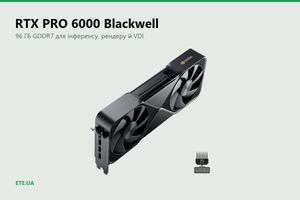
| RTX PRO 6000, 96 GB | 76.4 GB | 76 | 19 | 4 |
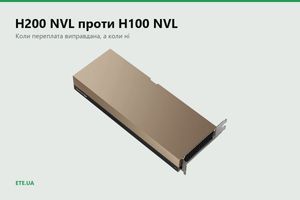
| H200 NVL, 141 GB | 116.9 GB | 116 | 29 | 7 |
An 8B-class model in FP8, 8 GB of weights, FP16 cache at 128 KB per token. Columns show concurrent sessions. Our calculation, using the NIM formulas
The same cards under a 70B look very different.
| Card | Weight format | 8K tokens | 32K | 128K |
|---|---|---|---|---|
| RTX PRO 4500, 32 GB | INT4 | weights do not fit | ||
| RTX PRO 5000, 48 GB | INT4 | 2 | does not fit | does not fit |
| RTX PRO 5000, 72 GB | INT4 | 11 | 2 | does not fit |
| RTX PRO 6000, 96 GB | INT4 | 19 | 4 | 1 |
| RTX PRO 6000, 96 GB | FP8 | 5 | 1 | does not fit |
| H200 NVL, 141 GB | INT4 | 35 | 8 | 2 |
| H200 NVL, 141 GB | FP8 | 21 | 5 | 1 |
A 70B-class model with GQA, FP16 cache at 320 KB per token. Weights: 35 GB in INT4, 70 GB in FP8. In FP16 the same model takes 140 GB and fits on none of the cards listed
Look at the second row. Forty-eight gigabytes technically "hold" a 70B at four bits, but only 6.2 GB survive the weights, which buys two sessions of eight thousand tokens. A single 32K context will not fit at all.
What the real measurements show
Arithmetic gives you the memory ceiling. Latency comes next. NVIDIA's own benchmarks for Llama 3.1 8B on a single H100 80 GB:
| Precision, input / output | Users | Time to first token | Throughput |
|---|---|---|---|
| FP8, 200 / 200 | 200 | 0.5 s | 9,885 tok/s |
| FP8, 1,000 / 1,000 | 250 | 6.5 s | 8,726 tok/s |
| FP8, 20,000 / 2,000 | 250 | 281 s | 1,214 tok/s |
| FP16, 20,000 / 2,000 | 250 | 484 s | 585 tok/s |
Source: NIM LLMs Benchmarking, Llama 3.1 8B. The highest concurrency tested in this series is 250
Memory alone would have allowed more sessions on an 8B, but at a 20,000-token input the throughput drops eightfold and the first token takes roughly five minutes to appear. The service is technically alive. Nobody will use it.
The most direct lever here is prompt length, and the NIM logs hand you the number: "Estimated VRAM (45.2 GB) exceeds available GPU memory (39.6 GB). Consider reducing context length with --max-model-len=4096 (estimated 30.1 GB)". Cutting the context to 4,096 freed 15.1 GB.
Cache quantization: the claim against the measurement
The logical next step is compressing the cache itself. NVIDIA's measurement compares NVFP4 against FP8, not against FP16: an NVFP4 cache takes roughly half the memory of an FP8 cache, and latency drops by up to three times. The accuracy cost is small: MMLU-PRO 78.2% on BF16, 78.1% on FP8 and 77.4% on NVFP4.
Now a measurement pointing the other way. Nemotron-3-Nano-30B was run under llama.cpp on a DGX Spark with the cache in f16 against q4_0. At 64K tokens the process memory with q4_0 came out not smaller but larger: 2.06 GB versus 1.94 GB, 6% more, because the scaling metadata ate the entire saving on Spark's unified memory. Prompt processing collapsed from 282.7 to 21.3 tokens per second at the same time. Both sources are correct. NVFP4 in TensorRT-LLM is hardware accelerated on Blackwell, while q4_0 in llama.cpp is unpacked in software: the format guarantees nothing, the engine and the hardware deliver the win.
What we have in stock
- RTX PRO 4500 Blackwell, 32 GB: models up to 13B, embeddings and rerankers
- RTX PRO 5000 Blackwell, 48 GB: 8B and 13B with a long context for a team
- RTX PRO 5000 Blackwell, 72 GB: the same card with more memory, a 70B at four bits can breathe
- RTX PRO 6000 Blackwell Workstation Edition, 96 GB: a 70B in FP8 on a single card
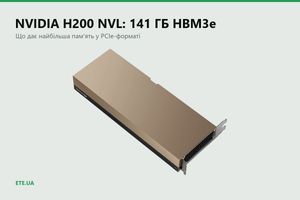
- H200 NVL, 141 GB HBM3E: a 70B in FP8 with headroom for long context and dozens of sessions
Common questions
What do two cards buy over one?
Not one pool. Without NVLink, two 96 GB cards are not 192 GB for a single model, they are two pools with tensor parallelism splitting the weights over PCIe. The real benefit is different: keeping several specialised models resident at once instead of unloading one to make room for another.
We need more memory for more agents, not for bigger models
Then read the tables down the context column instead of across the model row. Agentic workloads burn thousands of tokens per iteration, and the cache grows faster than anything else. A smaller model with a longer context is often the better buy.
The model fits on paper, but the engine reports OOM. Why?
Three usual suspects: the default 10% of memory is reserved and unavailable, CUDA graphs claim 1 to 5 GB on top of the weights, and some FP8 profiles load the weights in BF16 and quantize them once they are already in memory.
How much does a 70B occupy: 140 or 131 GB?
Almost the same number in two units. 140 decimal gigabytes are 130.4 gibibytes, and Linux and the driver both count in gibibytes. The rest of the way to 131 comes from the parameters themselves: Llama 3.1 and 3.3 70B carry slightly more than a round 70 billion. Both figures in the NVIDIA documents are right.
Can the cache be calculated for an arbitrary model?
Yes, given three numbers from its config: layer count, key and value head count, head dimension. NVIDIA reference measurements exist for 7B and 70B. For 120B and 405B there are no official cache figures, so we publish no tables for them.
These models are in our catalogue
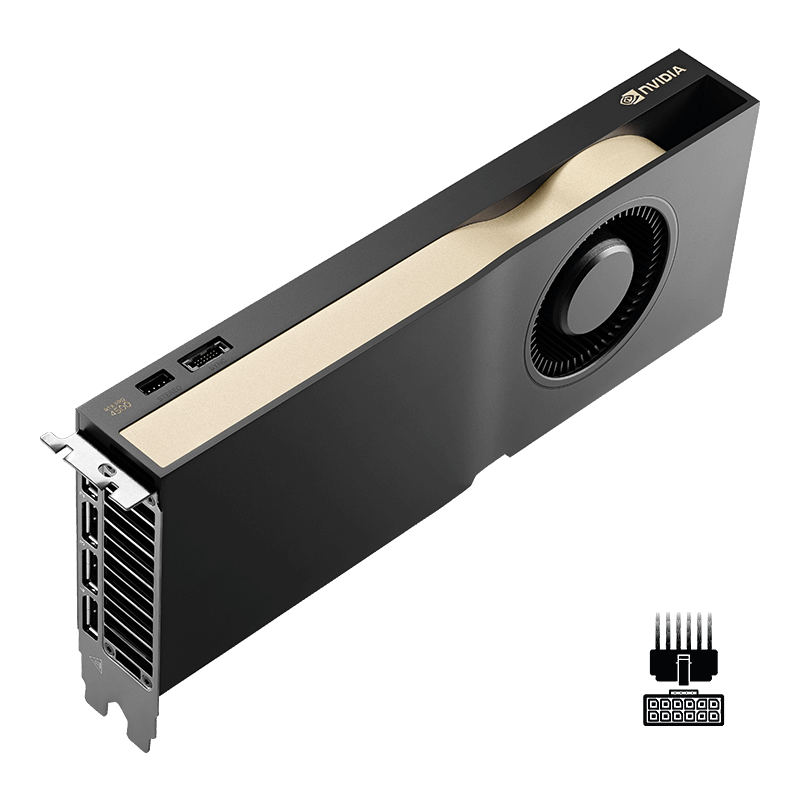 Graphics Card PNY NVIDIA RTX PRO 4500 BlackwellView in catalogue →
 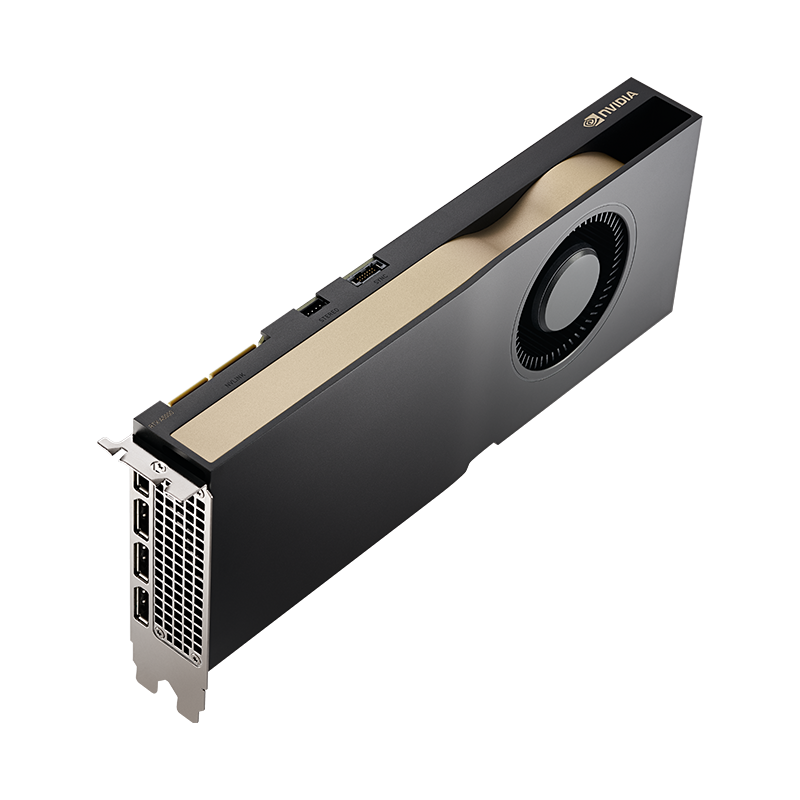 Graphics Card PNY NVIDIA RTX PRO 5000 Blackwell 48GBView in catalogue →
 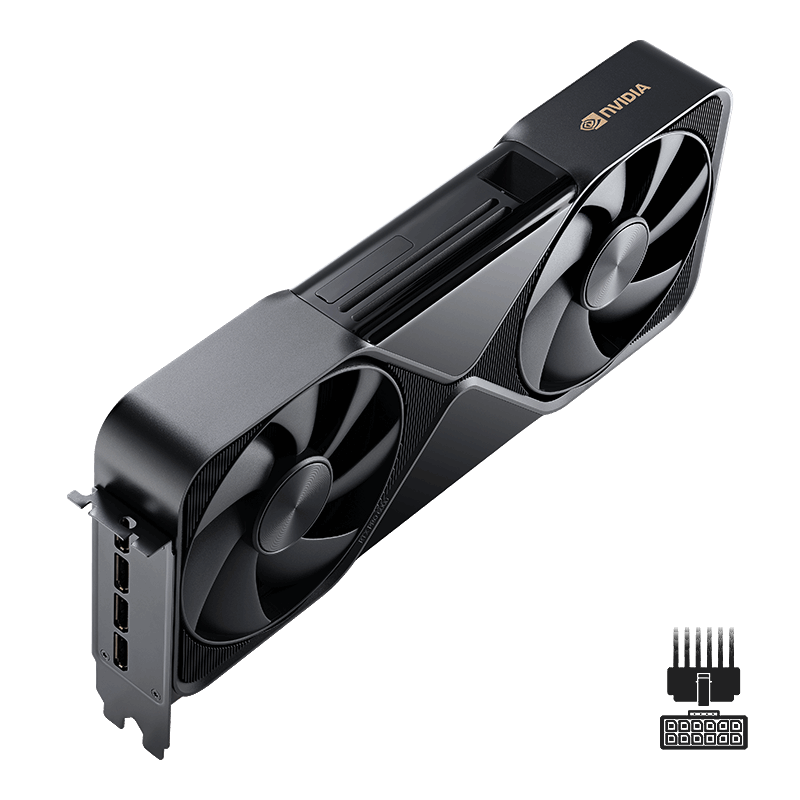 Graphics Card PNY NVIDIA RTX PRO 6000 Blackwell Workstation Edition 96GBView in catalogue →
 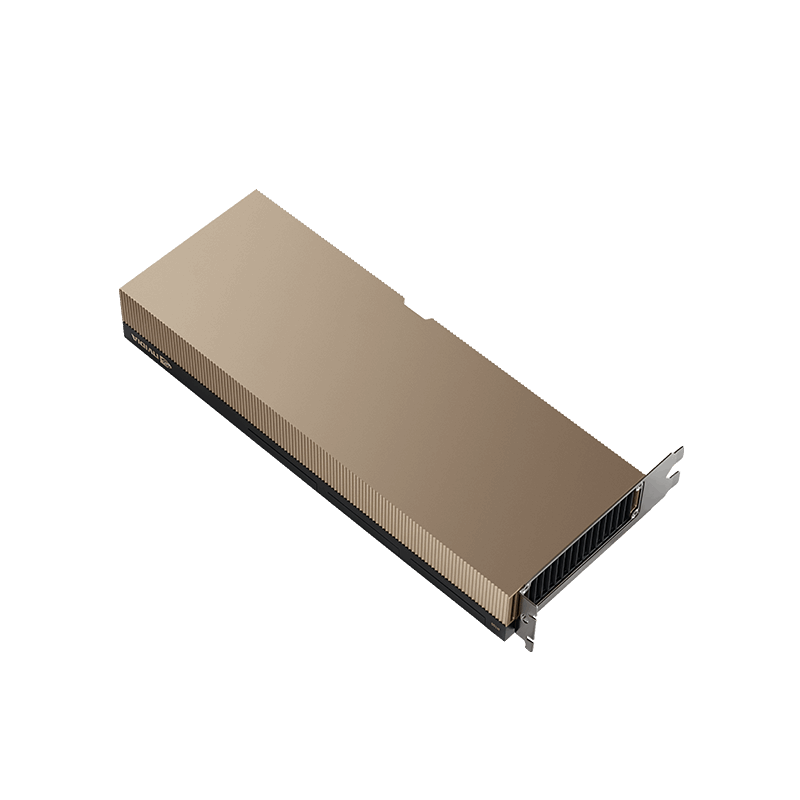 Graphics Card PNY NVIDIA H200 NVL 141GB HBM3E PCIeView in catalogue →
Let us size it for your workload
Tell us the model, the context length and the number of people. We will calculate the memory footprint and say where a single card ends and a server begins.
Request a consultation