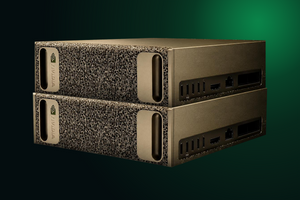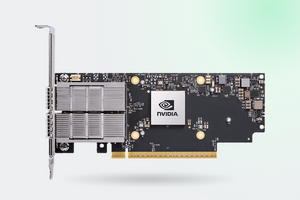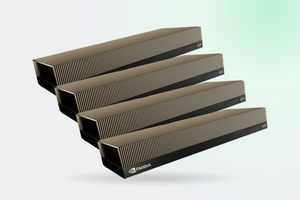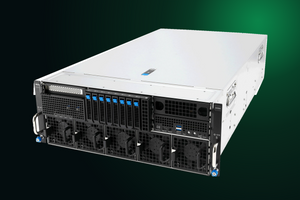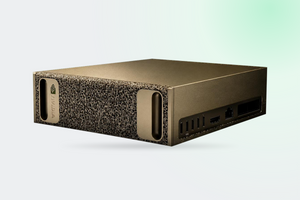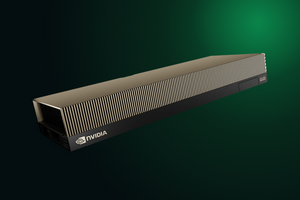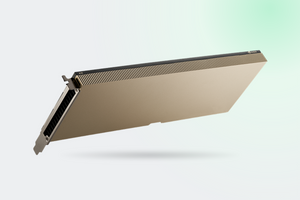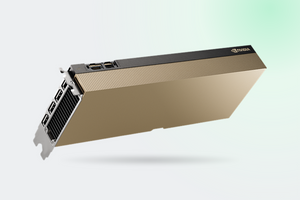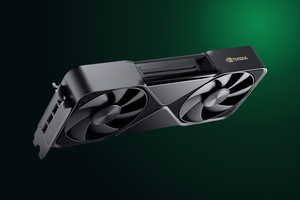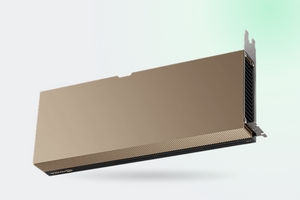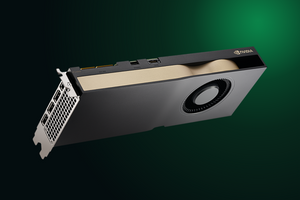
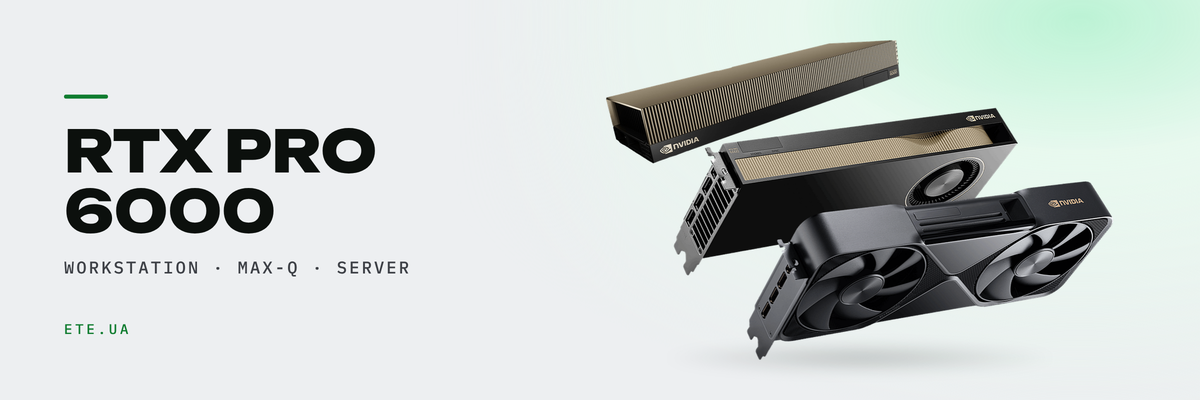
Three cards built on one GB202 die, with the same 96 GB of memory and the same 24,064 CUDA cores. The differences sit in the power budget, the cooler and the memory bandwidth, and bandwidth is the one figure NVIDIA left out of its own comparison table. We pulled the numbers from the datasheets and the whitepaper into a single table.
In brief
- Identical silicon: 24,064 CUDA cores, 752 Tensor Cores, 188 RT Cores, 96 GB GDDR7 with ECC, 512-bit bus
- Bandwidth is 1792 GB/s on Workstation and Max-Q against 1597 GB/s on Server Edition, a gap of 10.88%
- Power 600 / 300 / 400-600 W, cooling flow-through / blower / passive
- vGPU exists only on Server Edition, up to 48 virtual machines. The Lenovo guide for Max-Q says “No support”
- Cards per system: two on Workstation, up to four on Max-Q, up to eight on Server Edition
What the NVIDIA comparison table leaves out
The RTX PRO 6000 family page carries a table that supposedly compares the three versions. It has six rows: memory capacity, DisplayPort count, power draw, bus, form factor and cooling type. Everything that actually separates them in production has been dropped.
| Spec | In the official table? |
|---|---|
| Memory capacity, power draw, bus, form factor | yes |
| Memory bandwidth | no |
| CUDA cores, AI TOPS | no |
| MIG, vGPU | no |
Table contents verified on the RTX PRO 6000 family page as of July 2026
A buyer who goes to the primary source cannot compare the three SKUs. The numbers are scattered across three product pages, three PDF datasheets and a whitepaper that never mentions Server Edition at all.
The full table for all three versions
| Spec | Workstation | Max-Q | Server Edition |
|---|---|---|---|
| CUDA cores | 24,064 | 24,064 | 24,064 |
| Memory | 96 GB GDDR7 ECC | 96 GB GDDR7 ECC | 96 GB GDDR7 ECC |
| Bandwidth | 1792 GB/s | 1792 GB/s | 1597 GB/s |
| Boost clock | 2617 MHz | not published | not published |
| FP32 | 125 TFLOPS | 110 TFLOPS | 120 TFLOPS |
| RT Core | 380 TFLOPS | 333 TFLOPS | 355 TFLOPS |
| AI TOPS, FP4 sparse | 4000 | 3511 | 4 PFLOPS |
| Power draw | 600 W | 300 W | 400-600 W |
| Cooling | flow-through, 2 axial fans | rear-exhaust blower | passive |
| Dimensions, 2 slots | 137 x 305 mm | 112 x 267 mm | 112 x 267 mm |
| MIG | 4x24, 2x48, 1x96 GB | 4x24, 2x48, 1x96 GB | up to 4 at 24 GB |
| vGPU | no | no | up to 48 vGPU |
| Confidential Computing, Secure Boot | not stated | not stated | yes |
Sources: Workstation Edition datasheet, Server Edition datasheet, Blackwell PRO whitepaper, Lenovo Press
1792 vs 1597 GB/s: what it actually changes
The bus is identical across all three at 512 bits, so the whole gap comes from memory speed: the desktop versions run GDDR7 at 28 Gbit/s, the server card at roughly 25. NVIDIA publishes that clock nowhere, it has to be derived backwards from 1597 GB/s. The core is held back too, only by less: FP32 is 4% lower, RT Cores 6.6%, memory 10.88%.
Now the part that matters for sizing. Token generation (the decode phase) reads every model weight for every token, so it tracks bandwidth almost linearly: 10.88% less bandwidth costs roughly 10% of tokens per second. Prompt processing (prefill) is matrix multiplication, bound by the Tensor Cores, and in FP4 both versions are rated the same. On long prompts and batched inference the gap lands under 10%.
What the gap does not change: whether the model fits. All three carry 96 GB, and that threshold is where the large jumps live. GamersNexus measured a 928% gain over the RTX 5090 on Llama 3.3 70B, which is the pure effect of 32 GB being too little and 96 GB being enough.
Where the public record ends: no verified source has an A/B measurement of two versions on the same host. On the NVIDIA developer forum the question was raised in February 2026 and is still unanswered.
The cooler decides how many cards you get
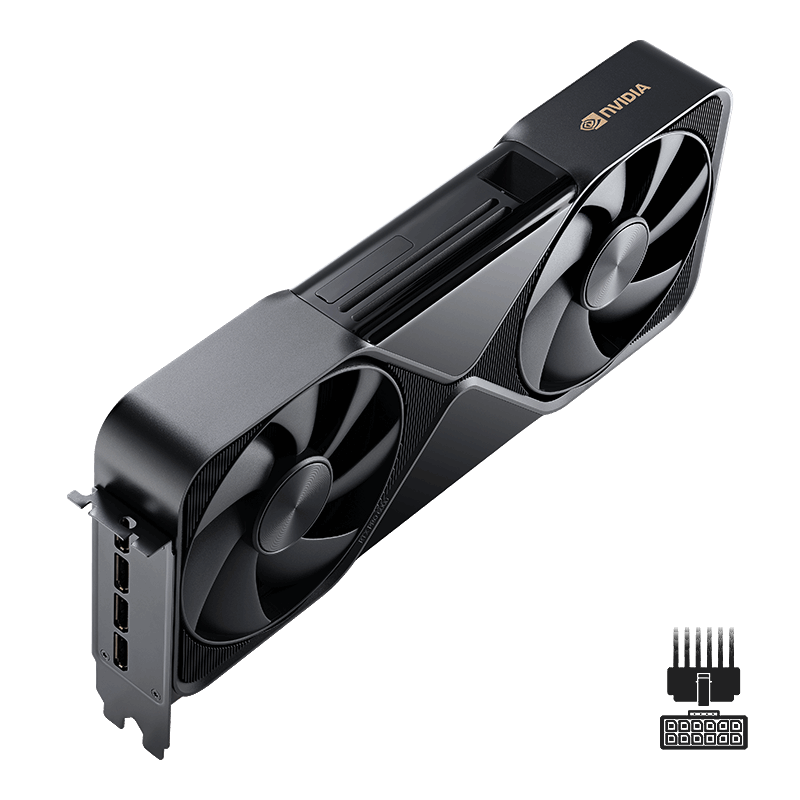
Workstation Edition uses a flow-through design with two axial fans: air enters from below, crosses the card and exits upward into the chassis. For one card that works well, GamersNexus logged 82 °C on the core, 88 °C on memory and 32.5 dBA. With two, the hot exhaust of the first card feeds straight into the second. Two is the realistic ceiling here.
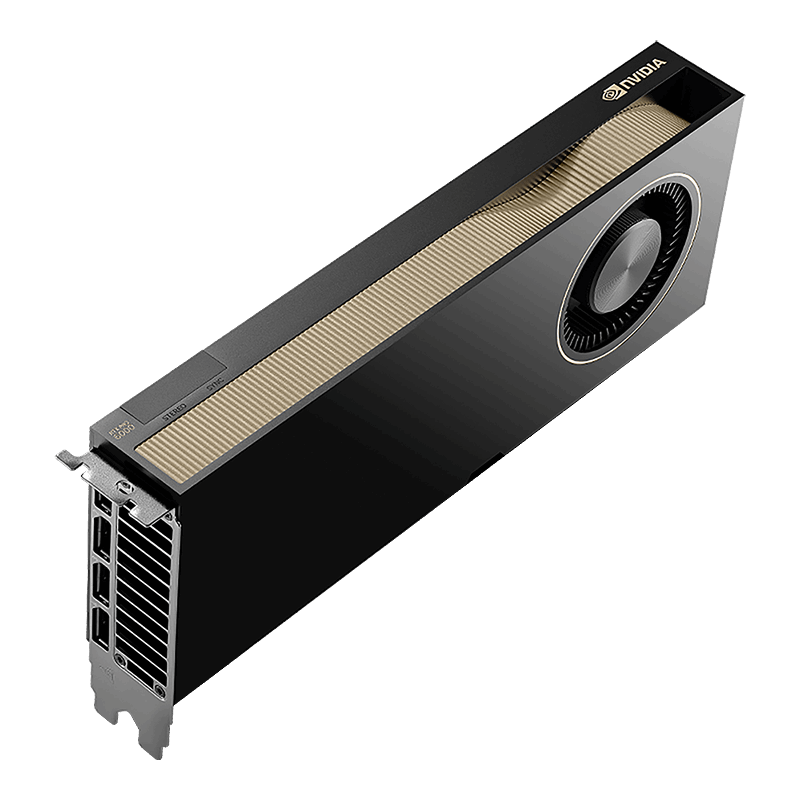
Max-Q is the same board with a conventional blower that pushes air out through the rear bracket. Combined with half the power limit, that allows up to four cards per workstation, which is why OEM four-GPU builds use this SKU. The price of admission is about 12% of FP32 throughput.
| Platform | Cards | Condition |
|---|---|---|
| Workstation chassis, Workstation Edition | 2 | limited by heat, size and power |
| Workstation chassis, Max-Q | 4 | stated by NVIDIA itself |
| Lenovo ThinkSystem SR650a V4 | 2 or 4 | 2 at 600 W, 4 when capped to 450 W |
| RTX PRO Server reference architecture | 8 | 768 GB of memory, 12.8 TB/s aggregate |
Sources: AEC Magazine, Lenovo Press LP2263, NVIDIA Enterprise RA
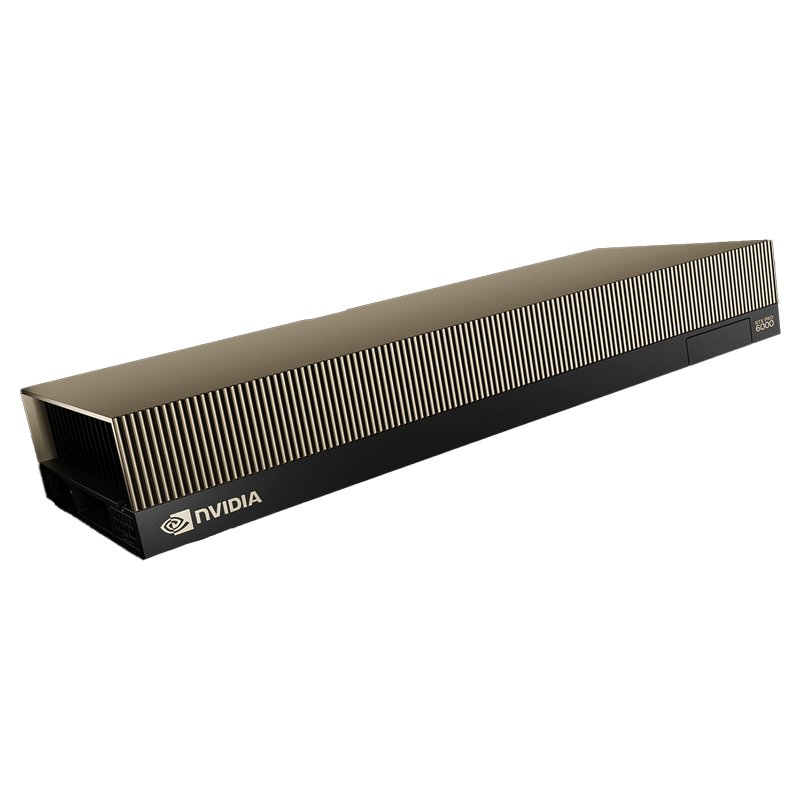
Server Edition has no fan at all, the rack fans move air through it. In a certified chassis that works: HOSTKEY saw up to 83 °C in normal operation and up to 90 °C in boost at 600 W. Outside a server the trouble starts. In a Level1Techs thread the card hit 100 °C within a couple of minutes (thermal shutdown sits at 104 °C) and pulled 125 W instead of 600, because it was throttling itself into the floor. The fix was a shroud plus a 60 mm high static pressure fan. By the account in that thread it sounds like a Dyson vacuum sitting on the desk.
The cable that quietly caps the card at 450 W
The most expensive trap in this product line looks exactly like a defective card. All three versions use the same 16-pin 12V-2x6 connector. The SENSE0 and SENSE1 pins encode how much power the supply is prepared to deliver, and the card reads that configuration and lowers its own ceiling accordingly.
A telling case. On a Server Edition inside a Supermicro chassis, nvidia-smi reported Max Power Limit: 450.00 W, and nvidia-smi -pl 600 changed nothing. The reply from NVIDIA was that the card is not locked at the factory, the cable sets the ceiling: the bundled CBL-PWEX-0962Y-30 is configured for 450 W, and full 600 W requires CBL-PWEX-1364Y-30. Ordered separately, so put it in the BOM.
Sometimes 450 W is a deliberate choice by the server vendor, so twice as many cards fit into the same chassis. What it costs: on a Workstation Edition, a Level1Techs thread dropped the limit from 600 to 300 W and went from 20.54 to 19.29 tokens per second on Llama 3.3 70B Q8, a loss of about 6%. Half the power limit costs less than it sounds. It is never free either.
MIG and vGPU: where the versions split hardest
MIG is listed on all three, up to four isolated instances per card. On the desktop versions it does not come enabled: you need driver 575.51.03 or newer, vBIOS 98.02.55.00.00 or newer, and the card switched into compute mode with the DisplayModeSelector utility, after which video output disappears. Retail units shipped at launch with vBIOS 98.02.52.00.02, so Unable to enable MIG Mode: Not Supported was the predictable result.
vGPU leaves no room for interpretation. Only Server Edition has it, up to 48 virtual machines per card: four MIG instances, with vGPU time-slicing each one into as many as twelve VMs. The Lenovo guide for Max-Q puts it verbatim: “vGPU software support: No support”. The Proxmox team says the same. If the workload is VDI or multi-tenant inference, the choice has been made for you.
| Scenario | Which version |
|---|---|
| One card, maximum speed, rendering and local LLMs | Workstation |
| Two or more cards in a desktop chassis, quiet office | Max-Q |
| Rack, virtualisation, VDI, Confidential Computing | Server Edition |
Compiled from the three datasheets and the MIG User Guide
What nobody knows
NVIDIA publishes neither the memory clock nor the boost clock of Server Edition, both have to be inferred from adjacent figures. No head to head test of two versions on one bench exists. Card weight appears in none of the datasheets. Whether the server card supports the MIG 2x48 and 1x96 GB layouts is never stated outright, only 4x24 is listed. NVLink is absent from the datasheets entirely, neither confirmed nor denied.
What we have in stock
- PNY NVIDIA RTX PRO 6000 Blackwell Workstation Edition 96 GB: 600 W, flow-through cooler, also available as an OEM variant
- PNY NVIDIA RTX PRO 6000 Blackwell Max-Q: 300 W, blower, up to four per workstation, with an OEM variant
- PNY NVIDIA RTX PRO 6000 Server Edition 96 GB: passive, rack only, the sole version with vGPU and Confidential Computing
FAQ
Why is the server card limited to 450 W when the spec says 600?
The card is not the problem. The ceiling comes from the sense pins on the cable, which the card reads on its own. The cable bundled with some servers is configured for 450 W, so nvidia-smi -pl 600 will not take. Swap the cable, on Supermicro that means CBL-PWEX-1364Y-30.
If the server card is set to 600 W, does it match Workstation?
Not completely. The power limit evens out, memory and core clock stay lower: 1597 against 1792 GB/s, and 120 against 125 TFLOPS in FP32. There is no public benchmark of both cards on one bench, so any exact number here would be invented.
The card shows 100% utilization but draws 125 W instead of 600
Most likely a passive Server Edition with no forced airflow: it hits the thermal ceiling and cuts clocks all the way down. Consumer 120 mm case fans do not deliver that kind of flow. It needs a shroud with a high static pressure fan, or a certified chassis.
Server Edition has 4 DisplayPort 2.1 outputs, but there is no picture
That is by design. Data center cards ship in DisplayOFF mode, and the displaymodeselector utility turns the ports on, as confirmed by NVIDIA engineering. The catch is that switching requires an already booted system.
MIG returns “Not Supported” on a brand new card
Check three things: driver R575 or newer, vBIOS (98.02.55.00.00 or newer, retail shipped with 98.02.52.00.02) and display mode, which has to be compute. The vBIOS update comes from whoever supplied the card.
What do two cards give over one?
Not 192 GB in one pool. NVLink is not listed, so traffic goes over PCIe 5.0 x16. Two cards pay off for layer parallelism, for more concurrent requests, or for keeping several models resident at once.
These models are in our catalogue
Not sure which of the three versions is yours?
Tell us which case or chassis the card goes into, how many you plan to deploy and whether virtualisation is required. An engineer will pick the version, check power and cabling, and tell you where you will lose performance.
Get a consultation