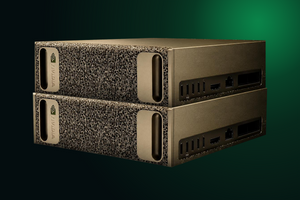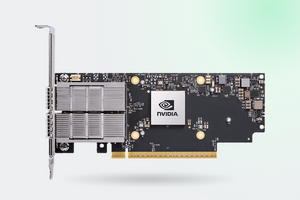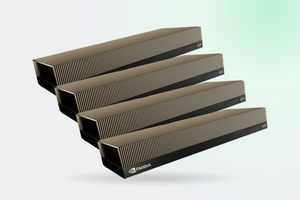
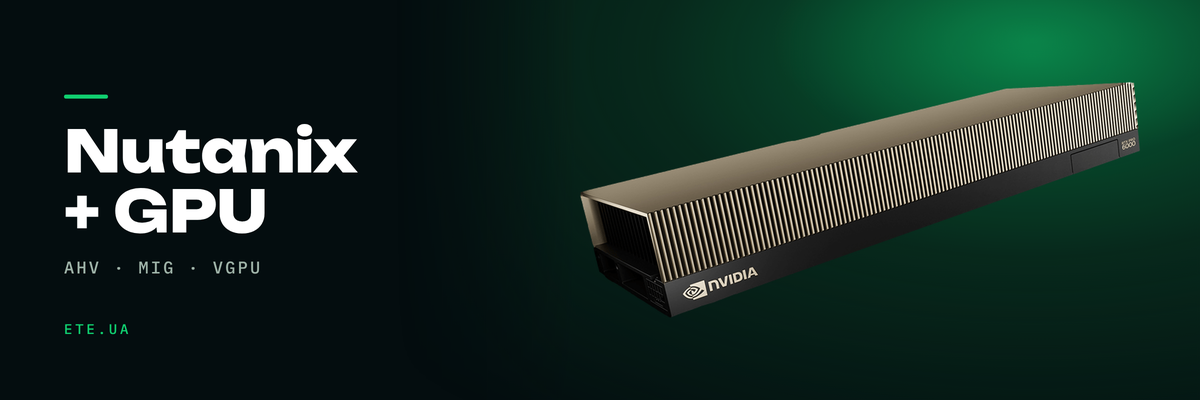
Nutanix sells hyperconvergence, NVIDIA sells accelerators, and putting an inference cluster together out of the two falls to the buyer. The questions come up every time: how many cards fit in a node, can one card be cut into four VMs, and which of it actually runs on AHV. Answers below, with sources, including the places where the documentation stays quiet.
In brief
- Eleven of the fifteen Nutanix models in the catalog take cards. The per-node ceiling is four H100 or L40S in the NX-9151-G9
- The letter N in a part number says nothing about GPUs. The NX-8155N-G8 takes three cards, the NX-8150N-G8 takes none
- The L40S cannot be split with MIG at all. RTX PRO 6000 Server Edition splits into four instances of 24 GB
- In NVIDIA's feature matrix, MIG-backed vGPU is ticked for vSphere, Red Hat KVM and Ubuntu KVM. AHV is not on that line
- Enabling MIG disables NVLink and P2P, and NCCL does not work alongside it. Distributed training across slices will not come together
Which nodes take cards and which do not
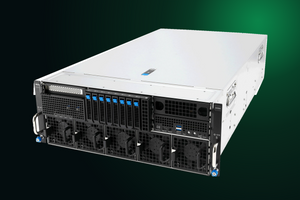
A hyperconverged node is a server with storage, compute and networking stitched into one box under AOS. Room for a full-height card is not always there: drive bays and fans eat into it. That is why some NX models take up to four accelerators and others take none at all.
| Node | Form factor | Graphics |
|---|---|---|
| NX-9151-G9 | 2U1N | up to 4× H100 or L40S |
| NX-3155-G9 | 2U1N | up to 4× A2, L4, L40S or H100 |
| NX-8155-G9 | 2U1N | up to 3× A2, L4 or L40S |
| NX-8155N-G8 | 2U1N | up to 3× A2 or L4 |
| NX-8155A-G9 | 2U1N | 2× A100 80 GB |
| NX-3155GN-G8 | 2U1N | up to 2× A2 |
| NX-3035-G9, NX-1175S-G9 | 2U2N and 1U1N | up to 2× A2 or L4 |
| NX-1150S-G9 | 2U1N | 0 or 1× L4 24 GB |
| NX-1065-G9, NX-3060-G9 | 2U3N and 2U2N | optional, the specification names no card model |
| NX-8150-G9, NX-8170-G9, NX-8150N-G8, NX-8170N-G8 | 1U1N and 2U1N | not supported |
Source: node specifications in the Nutanix catalog on ete.ua. The last row holds the database and storage nodes
The letter in the part number guarantees nothing
Reading GPU capability off a suffix does not work, and the table above shows it outright. The NX-8155N-G8 takes up to three A2 or L4 cards. The NX-8150N-G8, same letter, takes none. Generation is no hint either: G8 covers both nodes with cards and nodes without.
Two checks hold up: the "Graphics (GPU)" line in the model specification, and the card list validated for that particular chassis. The NX-9151-G9 and NX-3155-G9 accept H100, while the NX-8155-G9 in the same 2U1N form factor stops at L40S. Power and airflow set the limit, not the size of the case.
What stops you from adding a fifth card
Power draw across the line varies sixfold. The NX-1150S-G9 peaks at 531 VA, while the NX-9151-G9 with four cards asks for 3,232 VA and puts out up to 11,021 BTU per hour. That is a separate conversation with the data center about phase allocation and row cooling.
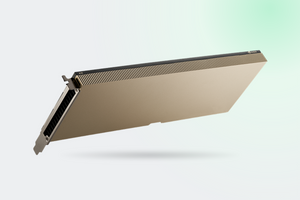
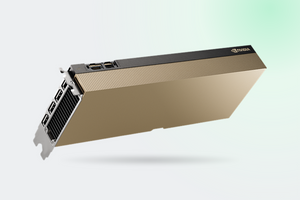
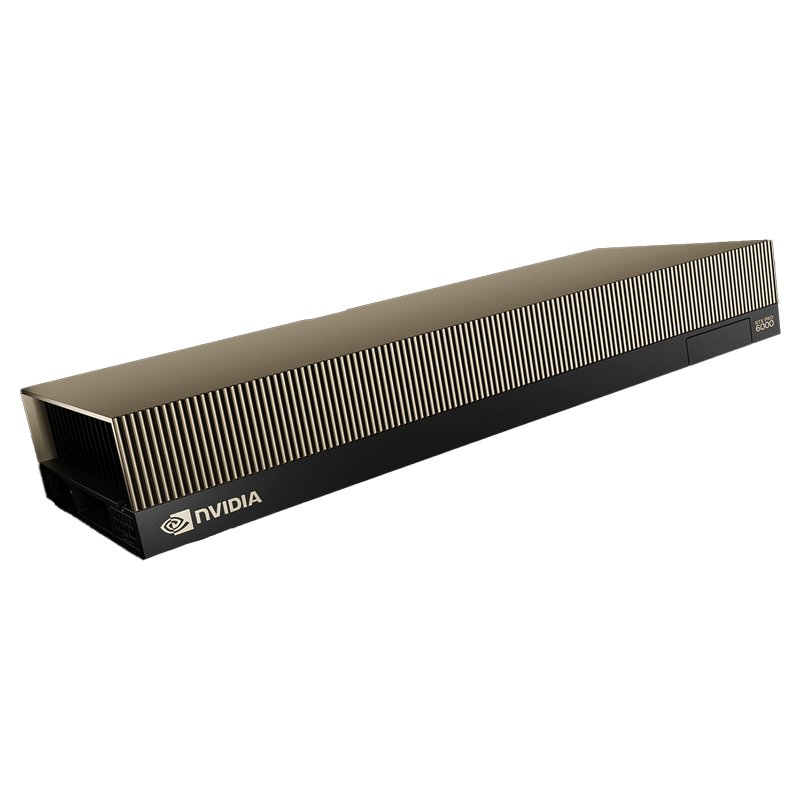
The second reason is that server cards are passive. Neither the L40S nor the RTX PRO 6000 Server Edition carries its own fans; both live on front-to-back chassis airflow. NVIDIA's forum has a telling thread: an L40S in a Dell Precision 7875 workstation reported 100 degrees at idle. Outside a server that cannot be fixed.
Three ways to hand a card to a VM
| Method | How it divides | Isolation and licensing |
|---|---|---|
| Passthrough | whole card to a single VM | full, no vGPU license needed |
| Time-sliced vGPU | divided in time, processes take turns | no memory or fault isolation, license required |
| MIG-backed vGPU | hardware slices running in parallel | hardware level, plus 20% performance over time-sliced |
Sources: MIG-backed vGPU, RTX vWS sizing guide
Next comes the constraint that breaks half the plans for multi-card nodes. The MIG documentation states it plainly: with MIG enabled the NVLink links go down, the card loses P2P between GPUs, and NCCL is not supported alongside MIG. NVIDIA's position on the forum is that distributed training over MIG can in theory be pushed across the network with GPUDirect RDMA, but it will run slower than taking a larger slice or turning MIG off entirely. Partitioning a card and fast card-to-card exchange are mutually exclusive modes.
How far each card divides
| Card | Maximum MIG instances | Smallest slice |
|---|---|---|
| RTX PRO 6000 Blackwell Server Edition, 96 GB | 4 | 1g.24gb, 24 GB and 46 SMs |
| RTX PRO 4500 Blackwell, 32 GB | 2 | 1g.16gb, 16 GB |
| H100 PCIe, 80 GB | 7 | 1g.10gb, 10 GB |
| H200 NVL, 141 GB | 7 | 1g.18gb, 18 GB |
| A100, 80 GB | 7 | 1g.10gb, 10 GB |
| L40S 48 GB, L4, A2, A16 | no MIG support | passthrough or time-sliced vGPU is what remains |
That last row is worth a second look when picking a node: the L40S is the primary card for the NX-9151-G9 and NX-3155-G9, and it is the one that will not slice. The question of what to divide an L40S with instead has been raised on NVIDIA's forum by people who chose the card on TFLOPS and only later looked at the partitioning model.
What of this runs on AHV
NVIDIA maintains a dedicated Nutanix AHV support page and classifies the hypervisor as generic Linux with KVM. Ordinary time-sliced vGPU works there. In the consolidated feature matrix, though, the MIG-backed vGPU row is marked only for vSphere, Red Hat KVM and Ubuntu KVM from release 19.0, with time-sliced MIG-backed profiles promised as far out as vGPU 20.0. Verify compatibility against your own AOS version before you place the order.
The second issue surfaces after deployment. Live migration of a VM with vGPU requires the same physical card, the same driver version and the same hypervisor version on the receiving host. Between different MIG profiles, migration does not work at all.
Third is the behavior without a license. The VM gets 20 minutes at full speed, then drops to 1280 by 1024 and three frames per second, and CUDA switches off. C-series compute profiles ship only inside NVIDIA AI Enterprise and are licensed per GPU in the server, while vWS graphics profiles are counted per concurrent user. In a budget those two metering models are separate lines.
How many VMs a card actually carries
| vGPU type | Memory per VM | VMs per card |
|---|---|---|
| DC-96C | 96 GB | 1 |
| DC-48C | 48 GB | 2 |
| DC-24C | 24 GB | 4 |
| DC-12C | 12 GB | 8 |
| DC-8C | 8 GB | 12 |
Compute profiles for the RTX PRO 6000 Blackwell Server Edition. Source: Blackwell vGPU type table
For workstation use NVIDIA gives both RTX PRO cards the same density: two to four heavy users per card, three to six medium ones and six to eight light ones. What separates the RTX PRO 4500 from the RTX PRO 6000 is not the seat count but the profiles each card can carry. The same guide holds the caveat that saves a budget: the best effort scheduler often supports two or three times oversubscription. The monitoring rule is simple. Frame buffer utilization inside a VM should not cross 90% often, and should stay below 70% on average.
| What was measured | Undivided | With MIG |
|---|---|---|
| Red Hat, flan-t5-base on an A100 40 GB | ≈3,400 tok/s | ≈9,800 tok/s across seven slices |
| NVIDIA, speech pipeline on an A100 | 0.74 requests/s per GPU | 1.00 (time-slicing gave 0.76) |
| P95 latency of a protected service next to "noisy neighbors" | ≈2,499 ms | ≈1,319 ms |
| One job on a 1/7 A100 slice, iteration time | 0.00533 s | 0.02640 s |
Sources: Red Hat, NVIDIA blog, isolation test on vLLM, NVIDIA forum
That last row is the price of partitioning: a single slice runs roughly five times slower than a whole card. Aggregate throughput still climbs, because a small model never loads an A100 fully. The MIGPerf benchmark adds a correction: N instances do not deliver a steady N-fold result, scaling is sublinear.
Where to start and how to grow
A workable starting configuration is three nodes: three is where RF2 replication runs and the cluster survives the loss of one node without stopping VMs. Cards are not needed in every one. The layout that most often works out: three nodes for the general workload, one or two of them carrying accelerators for inference.
Keep the GPU pool homogeneous, and live migration is the reason. A second node with the same card gives you performance headroom and somewhere for the VM to move while the first one is being updated. A mixed cluster with an L40S in one node and an RTX PRO 6000 in another works too, but every planned maintenance window turns into an evening of service outages.
What we have in stock
- Nutanix servers: the whole NX line from the table above
- RTX PRO 6000 Blackwell Server Edition 96 GB: MIG into four parts, the smallest slice 1g.24gb at 24 GB and 46 SMs
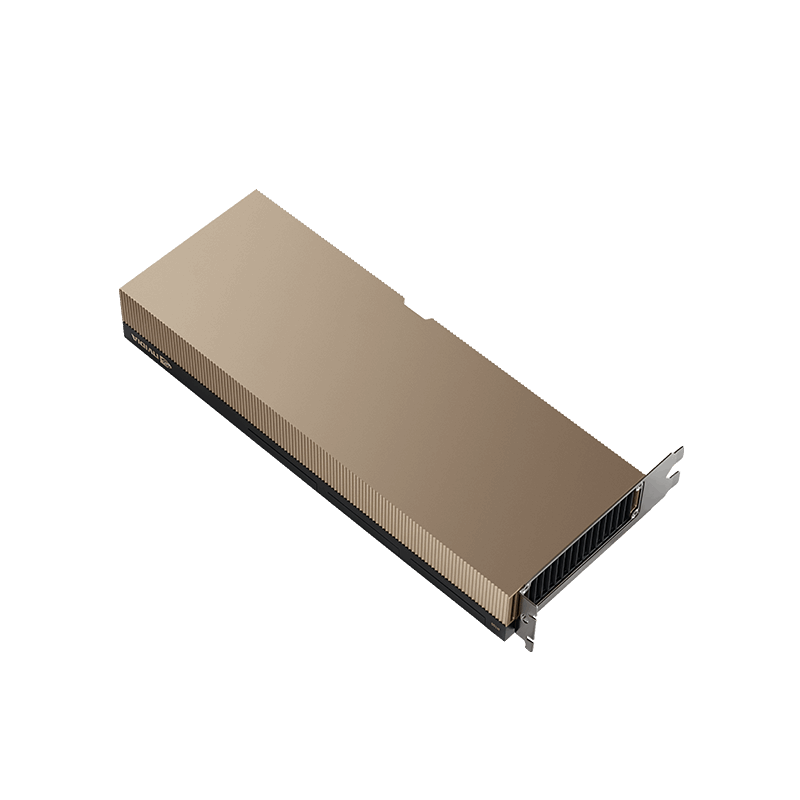
- NVIDIA L40S 48 GB: validated for the NX-9151-G9, NX-3155-G9 and NX-8155-G9
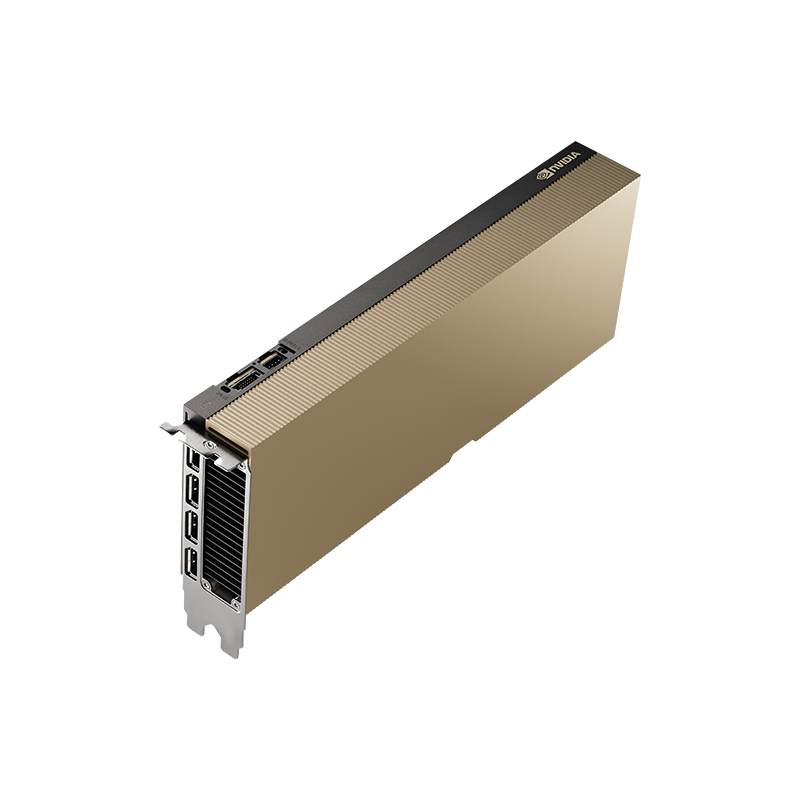
- NVIDIA L4 24 GB: the card for the entry nodes in the line
FAQ
The L40S has no MIG support. What do you divide it with?
Time-sliced vGPU. The L40S-8Q profile yields six instances in a homogeneous configuration and four in a heterogeneous one. There is no hardware isolation of memory or faults: the card switches between VMs in time.
Can 24 workstations run off one L40S?
The question about the L40S-2B profile and 24 seats has been sitting on NVIDIA's forum without an answer, and the sizing guide gives no maximum vGPU per board figure for the L40S. The count has to be built up from memory per seat.
Is AI Enterprise required to pass a MIG instance into a VM?
For C-series compute profiles, yes: they ship only inside AI Enterprise and are licensed per GPU in the server. MIG on bare Linux needs no license, it is a driver feature. The money starts where the slice has to be handed to a hypervisor.
The card holds 450 W instead of 600. Is it defective?
Usually it is the cable. The 12VHPWR sense configuration sets the power limit, and with the Supermicro CBL-PWEX-0962Y-30 cable nvidia-smi honestly reports 450 W. Reaching 600 W takes the CBL-PWEX-1364Y-30, and there is a dedicated thread on NVIDIA's forum about it.
What do two cards in a node give you over one?
Not a single memory pool. Two 48 GB cards are two independent 48s, not 96 for one model. The benefit is keeping several models side by side (reranker, embeddings, the main LLM) or serving twice as many people.
These models are in our catalogue
Planning GPUs in a Nutanix cluster?
Tell us which models you run and how many people will be working with them. An engineer will pick the node and the card count, work out the licensing, and point out where the configuration runs into rack power.
Get a consultation