The question "how much video memory does our model need" settles the whole server configuration: from the number of cards down to the power supplies. We take the ETE AI Server H200 apart node by node and explain why it is built this way.
The job this machine was built for
There are two different worlds. In the first one the model is already trained and has to be run against a stream of requests and hand back answers. In the second the model has to be trained, or fine-tuned on your own data, and then what decides the outcome is not requests per second but whether everything needed fits into the accelerator memory together with the gradients and the optimiser state.
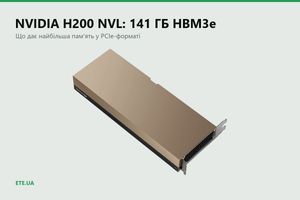
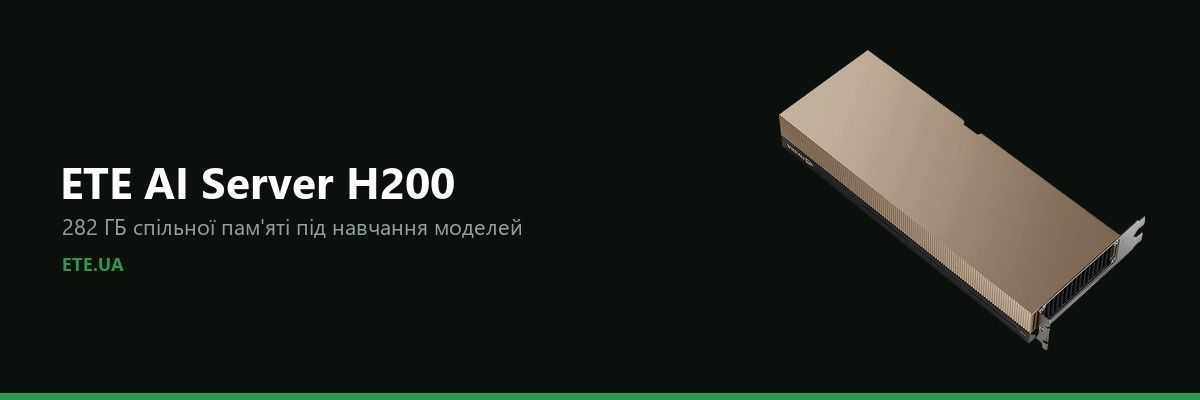
ETE AI Server H200 is built for the second world. Two NVIDIA H200 NVL cards of 141 GB each, joined by an NVLink bridge, give 282 GB of shared memory. The job sees one pool, not two separate cards with a model you have to slice by hand.
Configuration
How much memory a model eats
Simple arithmetic explains where the 282 GB came from. Model weights in half precision take roughly two bytes per parameter. A model of 70 billion parameters is 140 GB of weights alone, and that is before the attention cache, the activations and any headroom for a long context. A single 141 GB card barely holds such a model, a pair of cards works with room to spare.
Why the NVLink bridge, if both cards already sit in one server
Two cards in neighbouring slots talk over PCIe. When a model is split between them, every step of computation means exchanging intermediate results, and the bus turns into the bottleneck: the cards wait for each other instead of counting.
The NVLink bridge connects the cards directly, bypassing PCIe. The job sees the memory of the pair as one, and the exchange runs an order of magnitude faster. Without the bridge those 282 GB stay two separate piles of 141 GB, and a large model simply does not lay out across them.
A practical conclusion: if a quotation lists two H200 NVL cards but no NVLink bridge, that is a different machine. Ask about the bridge separately.
Why 64 cores, 1 TB of memory and these particular drives
The processors in a machine like this do not compute the model, they feed the cards with data. Two EPYC 9355 give 64 cores and enough PCIe 5.0 lanes that the cards, the network and the drives never fight over the bus. Saving on the processor here turns into idle accelerators: a card waits while the next batch of data loads.
System memory is usually taken at roughly twice the video memory, which is where the 1 TB comes from. The dataset unfolds in system memory and travels to the cards from there, and against 282 GB of VRAM half a terabyte already feels tight.
The drives are split on purpose. A pair of M.2 in a mirror holds the system: it has to survive the loss of one drive without stopping. Four U.2 of 7.68 TB each are the working space for datasets and checkpoints, written to constantly and in large blocks.
Power: why four units and not two
The 2+2 scheme means the machine runs on two units while the other two sit in reserve. One unit failing, or voltage disappearing on one input, does not stop a training run that goes on for days. Restarting a long job costs more than a pair of power supplies.
Room to grow
- Up to four H200 NVL with a 4-way bridge: 564 GB of shared memory for models that no longer fit on a pair of cards.
- System memory up to 2 TB, for when the dataset stops fitting and starts hitting the disk.
- An NVIDIA AI Enterprise subscription: supported framework builds instead of assembling the environment yourself.
This is not something we invented
The configuration follows the market standard: the American integrators Exxact, BIZON and Thinkmate sell the same machines for the same jobs. The same 4U eight-card platform, the same EPYC processors, the same power scheme. We checked our parts list against their configurators so as not to reinvent the wheel and so the customer can compare.
Who it suits and who it does not
A good fit
- Training and fine-tuning models on your own data.
- Inference of large models, where memory capacity decides rather than the number of parallel sessions.
- Work where the data cannot be handed to somebody else's cloud.
Better look at something else
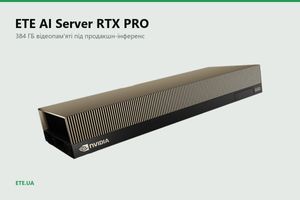
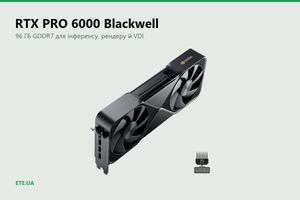
- Production inference of several mid-sized models at once: a server on RTX PRO 6000 pays off better, its gigabyte of video memory is cheaper.
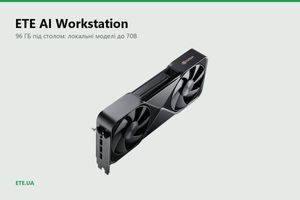
- One person working with a model up to 70B: a workstation under the desk is enough, without a rack and three-phase power.
Frequently asked questions
Can we start with two cards and add two more later?
Yes, the platform holds up to eight accelerators. But the NVLink bridge for two cards and the one for four are different parts, so an upgrade will need the 4-way version.
What about cooling and noise?
This is a rack machine with front-to-back airflow, it cannot stand in an office. For a working room there is an under-desk station on the same RTX PRO 6000 card.
How much does it draw under load?
Two H200 NVL add about 1,200 W, plus the processors, drives and fans. Plan the rack with headroom, and agree the power feed before delivery.
Why a 200 Gb/s port in a server?
It earns its place once there is more than one machine. Training across several nodes runs into the speed of exchange between them, and ordinary 25GbE becomes the bottleneck.
Can we take the configuration without drives, or with different memory?
Yes, the parts list is agreed before ordering. The base configuration is a starting point, not a fixed set.
What we have of this in the catalogue
- ETE AI Server H200: the machine from this article, parts list agreed to fit the job
- ETE AI Server RTX PRO: four cards of 96 GB each for production inference
- ETE AI Workstation: the same card in a tower under the desk
- NVLink bridges: 2-WAY and 4-WAY boards for H200 NVL
- NVIDIA networking gear: adapters, switches and cables, for when there is more than one node