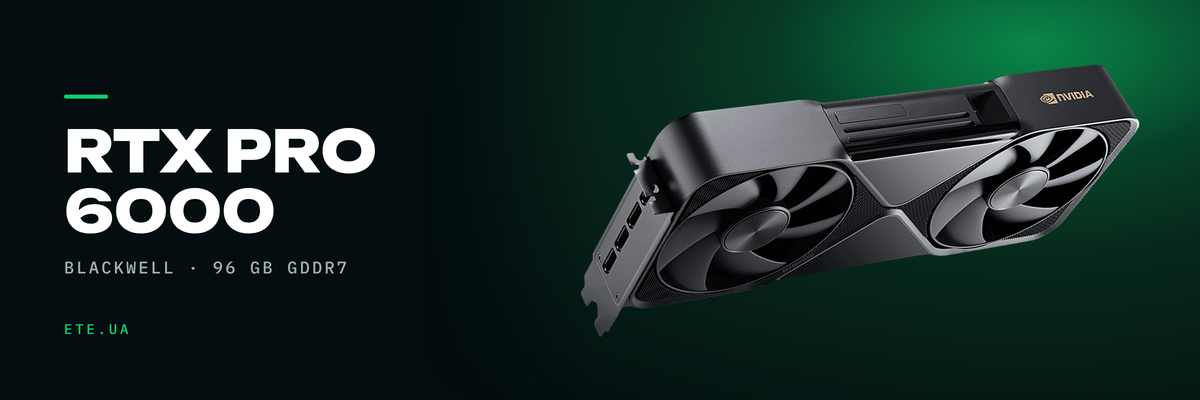
Ninety-six gigabytes of video memory on a single card. That number is what the RTX PRO 6000 Blackwell gets bought for, not the clock speeds: on Llama 3.3 70B it pulls roughly ten times ahead of an RTX 5090 simply because the model fits whole. Below are the datasheet specs, third-party measurements, and the parts the launch deck leaves out: 600 W, the power cable, and MIG that will not turn on out of the box.
In brief
- 96 GB of GDDR7 with ECC, 24,064 CUDA cores, 752 fifth-generation Tensor Cores, 188 fourth-generation RT cores
- Workstation Edition reads memory at 1792 GB/s, Server Edition at 1597 GB/s. The 10.9% gap lands squarely on token generation
- Llama 3.3 70B: 928% ahead of the RTX 5090, and that is memory capacity doing the work, not architecture
- 600 W through one 12V-2x6 connector. A workstation under Stable Diffusion XL drew 918 W on average and 1036 W at peak
- MIG splits the card into four 24 GB instances, vGPU exists only on the server version
What is inside
A GB202 die, 188 streaming multiprocessors, a 512-bit bus. ECC on GDDR7 runs permanently: nobody in the field has managed to switch it off, and NVIDIA does not publish how many gigabytes it reserves.
| Spec | Workstation Edition |
|---|---|
| Die | GB202, 92.2 billion transistors, TSMC 4N |
| CUDA cores | 24,064 |
| Tensor and RT cores | 752 Tensor (5th generation), 188 RT (4th) |
| Memory | 96 GB GDDR7 with ECC, 512-bit, 28 Gbit/s per pin |
| Bandwidth | 1792 GB/s |
| FP4, FP32, RT Core | 4000 TOPS with sparsity, 125 and 380 TFLOPS |
| Video engines | 4x 9th-generation NVENC, 4x 6th-generation NVDEC |
| Interface and power | PCIe 5.0 x16, PCIe CEM5 16-pin connector, 600 W |
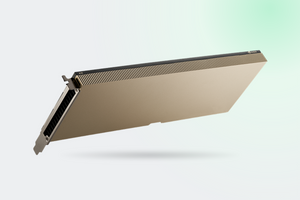
| Dimensions | 137 x 305 mm, dual slot, taller than standard |
Sources: NVIDIA product page, RTX Blackwell PRO GPU Architecture whitepaper
Three editions, the same silicon
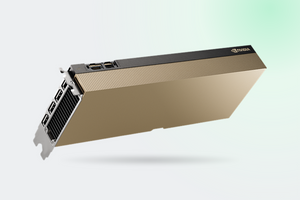
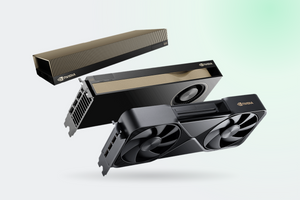
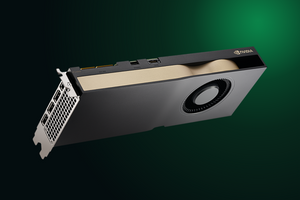
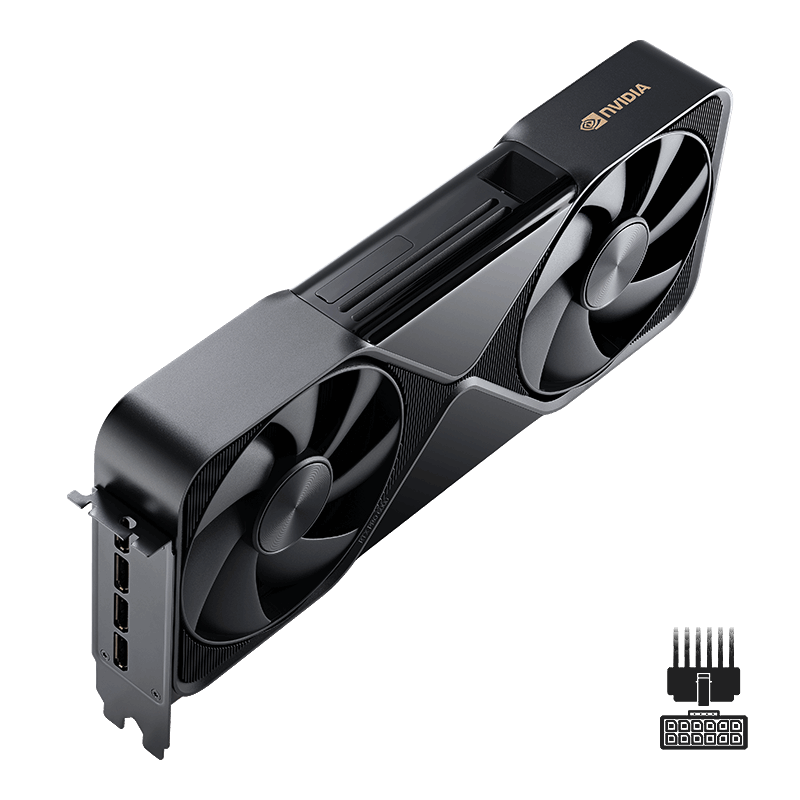
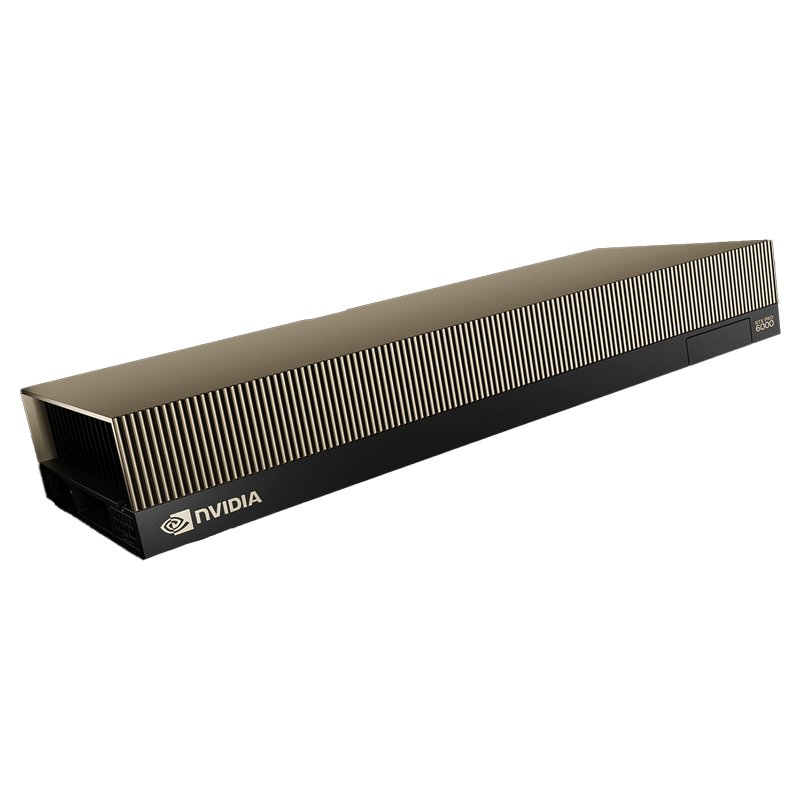
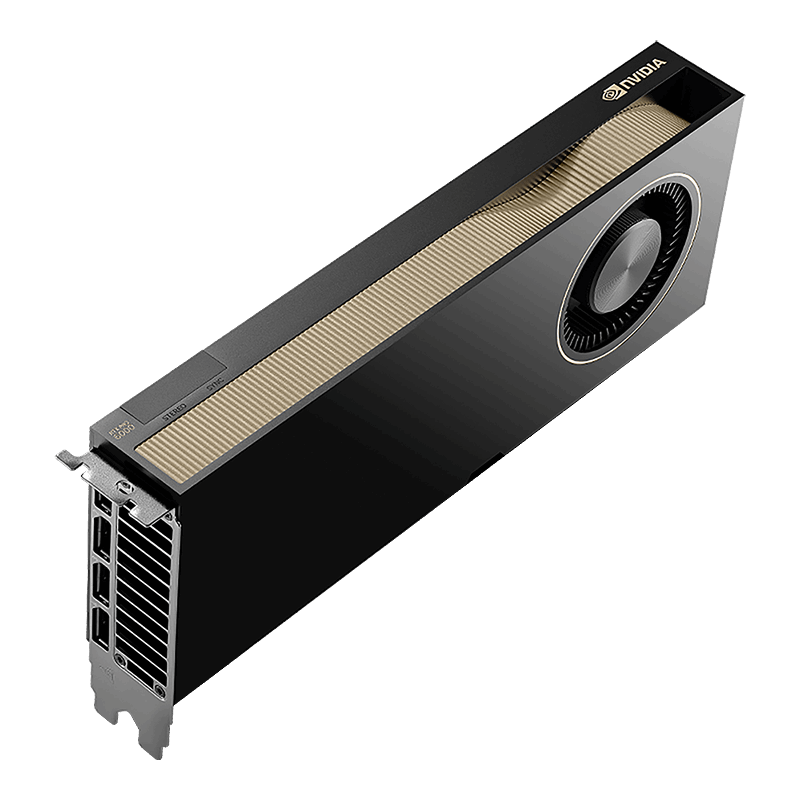
Workstation, Max-Q and Server Edition carry an identical die in an identical configuration. What separates them is the thermal budget, the cooler type and the clocks. The pick is dictated by the chassis, not by performance.
| Parameter | Workstation | Max-Q | Server Edition |
|---|---|---|---|
| Power draw | 600 W | 300 W | 400-600 W, configurable |
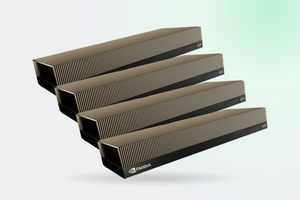
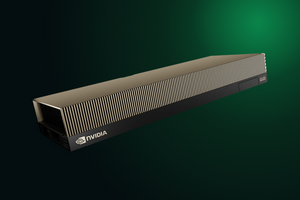
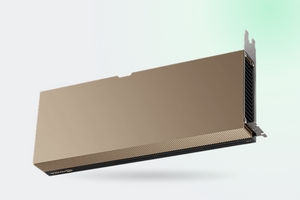
| Cooling | two axial fans, flow-through | blower, rear exhaust | passive |
| Bandwidth | 1792 GB/s | 1792 GB/s | 1597 GB/s |
| FP32 | 125 TFLOPS | 110 TFLOPS | 120 TFLOPS |
| MIG | 4x24, 2x48, 1x96 GB | same | up to 4 at 24 GB |
| vGPU | none | none | up to 48 machines |
| Cards per system | realistically 2 | up to 4 | up to 8 per node |
Sources: NVIDIA and PNY datasheets, Server Edition page, Lenovo Press product guide, NVIDIA reference architecture
NVIDIA's own comparison table is missing half of these rows: no bandwidth, no CUDA core count, no MIG, no vGPU. A buyer cannot compare the three editions from the primary source.
Inference: capacity decides more than clocks
| Model | Tokens per second | Measured by |
|---|---|---|
| Llama 3.1 8B | 197.07 | StorageReview |
| GPT-OSS 120B | 163.15 | StorageReview |
| Gemma 3 27B | 68.06 | StorageReview |
| Llama 3.3 70B | 31.74 | StorageReview |
| Mistral Small, 26 GB of weights | 42.4 against 17 on an RTX 5090 | GamersNexus |
| Qwen3-14B on Server Edition | 103.5 against 47.3 on an A5000 | HOSTKEY |
Sources: StorageReview, GamersNexus, HOSTKEY
On an eight-billion-parameter model the RTX PRO 6000 and the RTX 5090 run level: 81 tokens per second against 81. On Llama 3.3 70B the gap opens to 928%, because 32 GB is not enough and part of the weights spills into system memory. The fits-or-does-not-fit threshold produces jumps no clock speed can deliver.
Rendering, simulation, video
| Test | Result |
|---|---|
| Blender 4.4, Monster | 7870.17 samples per minute |
| Blender 4.4, Junkshop | 4158.91 |
| V-Ray | 12,128 vpaths |
| LuxMark, Hall | 52,588 |
| WAN 2.2 14B video generation, 720p | about 40 min in the 300 W mode, about 30 min in the 600 W mode |
Rendering: StorageReview, Workstation Edition. Video: HOSTKEY, Server Edition in a rack
For simulation NVIDIA quotes its own comparisons against the L40S: genome sequencing almost seven times faster, Smith-Waterman up to 6.8x, text-to-video 3.3x, rendering more than double. Against the H100 on Fastq2bam and DeepVariant the claim is 1.75x. Those are vendor figures, and we found no independent verification of them.
1597 against 1792: when that gap is visible
A language model works in two phases. First it reads the prompt in full, and that leans on the Tensor Cores. Then it emits the answer one token at a time, reading every weight out of memory for each token. The second phase tracks bandwidth almost linearly, so 10.9% less bandwidth on Server Edition means roughly 10% fewer tokens per second. With a long prompt the deficit narrows: peak FP4 is quoted identically for both editions.
No public head-to-head of the two editions on one host exists. On the NVIDIA developer forum a question about exactly this has been sitting unanswered since February 2026. An indirect reference point: on Workstation Edition, cutting the limit from 600 W to 300 W moved DeepSeek-R1 70B in Q8 from 19.94 to 16.4 tokens per second, a loss of 17.7%.
MIG: four cards out of one
MIG cuts the GPU into isolated instances, each with its own memory, cache and cores. On Blackwell an instance handles graphics as well as compute, so one card can host VDI sessions and inference at the same time. Four instances is the ceiling.
It does not work out of the box. You need a driver from 575.51.03 up, vBIOS no older than 98.02.55.00.00, and the card moved from display mode into compute mode with the DisplayModeSelector utility. Retail cards shipped with vBIOS 98.02.52.00.02, hence the steady stream of identical forum posts: “Unable to enable MIG Mode: Not Supported”. After the switch the card stops driving displays, and reverting the mode does not succeed on every motherboard: large BAR1 support is required. Server Edition ships with video output disabled anyway.
vGPU and VDI
Virtualisation belongs to the server version alone. With MIG enabled, one card serves up to 48 virtual machines: four instances at twelve vGPUs each, profiles from 2 to 96 GB. The desktop editions carry no vGPU support, and the Lenovo guide for Max-Q states it in as many words: “No support”.
Budget the licences separately from the hardware. According to a discussion on the NVIDIA forum, the AI Enterprise subscription covers the compute profile only, while vWS for graphics workstations is a separate purchase.
600 W: what it means for the chassis and the PSU
| Scenario | Draw |
|---|---|
| Idle | 17-20 W |
| Model up to 10B | 80-150 W |
| Generation on a 70B model | 200-350 W |
| Prompt processing | 350-500 W |
| Training and fine-tuning | 450-530 W |
| Whole workstation, Stable Diffusion XL FP16 | 918.5 W on average, 1036.3 W peak |
Load profiles: PulsedMedia Wiki (community, not the vendor). Workstation measurements: StorageReview
Power arrives through a single 16-pin connector, the same one used on the RTX 5090. A pair of sense pins inside it encodes how much the supply is prepared to deliver, and the card lowers its own ceiling to match the cable. That is why server builds keep landing on 450 W: the stock Supermicro CBL-PWEX-0962Y-30 cable is coded for exactly 450 W, and the full 600 needs a CBL-PWEX-1364Y-30. nvidia-smi -pl 600 does not get around this. Check the cable, not only the power supply.
Sometimes 450 W is a deliberate design call: in the ThinkSystem SR650a V4, Lenovo fits two cards at 600 W or four at 450. The limit buys density, and forum estimates put inference at 85-95% of full-power throughput.
Now the chassis. The Workstation Edition cooler pushes air straight through the card and dumps it inside the case, so a second card breathes the exhaust of the first. Under load the die holds 82 °C, memory 88 °C, noise 32.5 dBA. Server Edition is passive: without strong forced airflow it reaches 100 °C within a couple of minutes and cuts itself back to 125 W. It looks like a fault. It is normal throttling. Four-card workstations get measured at 1650-1800 W from the wall socket.
What we have in stock
- RTX PRO 6000 Blackwell Workstation Edition 96 GB: the maximum per card, 600 W, two per workstation
- RTX PRO 6000 Blackwell Max-Q: 300 W and a blower venting outside the case, for four-card builds
- RTX PRO 6000 Server Edition 96 GB: the only one with vGPU, Confidential Computing and Secure Boot, up to eight per node
- RTX PRO 5000 Blackwell 72 GB: for when 96 GB is too much and 48 is too little
FAQ
The card sits at 450 W and nvidia-smi -pl 600 changes nothing. Was it locked at the factory?
No. An NVIDIA engineer explained it in the same thread: the ceiling comes from what the cable reports. A stock server-platform cable is sometimes coded for 450 W, and the driver respects that value. What you need is a 600 W cable from the server vendor.
Why does Server Edition draw 125 W at 100% GPU utilization?
Thermal throttling. A passive card cannot hold its clocks without serious airflow. A Level1Techs thread documents a printed shroud with a 60 mm fan at 70-80% speed: 83 °C at 600 W, and noise on the level of a handheld vacuum.
MIG answers “Not Supported”. What is wrong?
Usually an outdated vBIOS or the display mode: what is needed is a driver from 575.51.03 up, vBIOS from 98.02.55.00.00 up, and compute mode. The vBIOS update comes from the card supplier, not from NVIDIA directly.
The Server Edition spec lists four DisplayPort outputs, yet there is no picture. Why?
That is by design. Server cards ship with video output disabled, and the DisplayModeSelector utility turns it on. Passing video output through to a virtual machine never worked in some configurations, and the NVIDIA forum thread closed without a resolution.
Will two cards give 192 GB as one pool?
No. None of the three datasheets has a line for NVLink, traffic goes over PCIe 5.0, and P2P under NCCL is a separate battle. Two cards let you keep several models resident in parallel, not one model twice the size.
Can ECC be turned off for render speed?
Earlier generations allowed that. On GDDR7 the reports say nvidia-smi commands change nothing. That thread holds no official confirmation, and no figure for how many gigabytes ECC takes.
These models are in our catalogue
Not sure which of the three editions is yours?
Tell us which chassis the card goes into, how many you need and what will run on them. An engineer checks power, airflow and cabling before the order goes in, not after.
Get a consultation