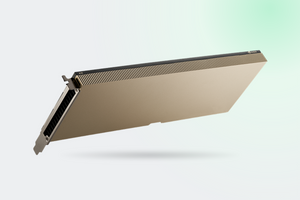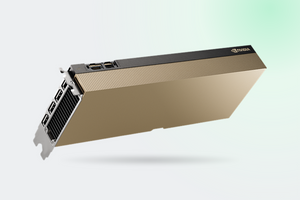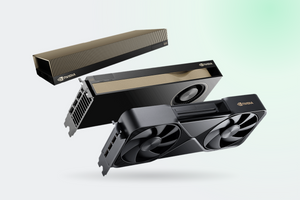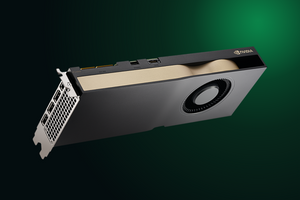
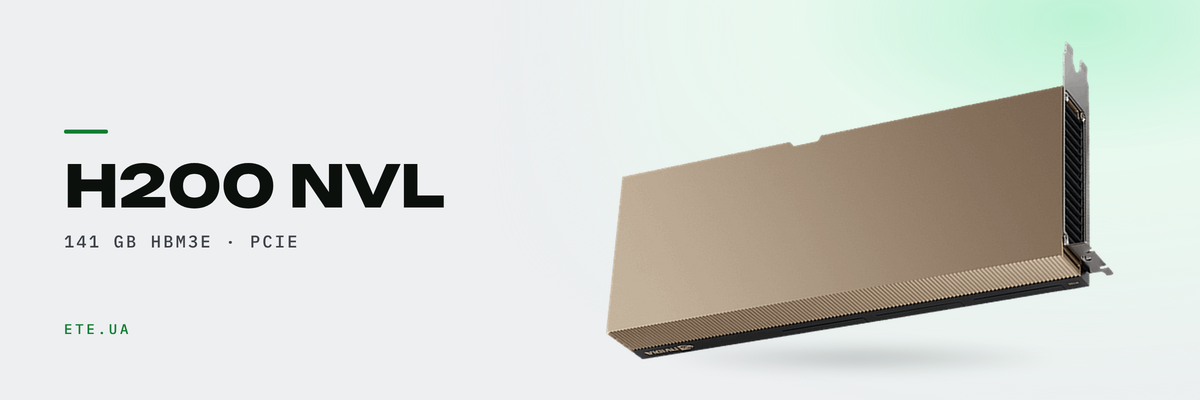
141 gigabytes of HBM3e on a single PCIe card, 4.8 TB/s of bandwidth, and a compute die unchanged since H100. Every bit of the H200 NVL gain comes from memory, and that one fact decides who gets a threefold speedup and who gets nothing at all. Here is where the line runs.
In brief
- 141 GB and 4,813 GB/s against 94 GB and 3,938 GB/s on H100 NVL: 1.5× the capacity, 1.2× the speed
- Compute matches to the last TFLOPS: 3,341 in FP8 and a 1,785 MHz boost on both cards
- Inference gains range from 0% to 3.4×, and context length is what decides
- A single 900 GB/s NVLink bridge ties up to four cards into a 564 GB pool; H100 NVL stopped at 188 GB per pair
- 600 W per card, passive heatsink, 10-45 °C ambient against 0-50 °C on the predecessor
What changed and what stayed the same
Put the H200 and H100 pages from NVIDIA's site side by side and something the launch materials never mention jumps out: the compute columns of the two NVL versions match in full. Thirty teraflops of FP64, 835 TF32, 3,341 FP8. Same boost clock. Same silicon.
| Spec | H200 NVL | H100 NVL |
|---|---|---|
| Memory | 141 GB HBM3e | 94 GB HBM3 |
| Bandwidth | 4,813 GB/s | 3,938 GB/s |
| Memory bus | 6,016-bit | 6,016-bit |
| FP8 Tensor Core | 3,341 TFLOPS | 3,341 TFLOPS |
| Default TDP | 600 W | 400 W |
| NVLink | 900 GB/s, up to 4 cards | 600 GB/s, 2 cards only |
Tensor Core figures with structured sparsity. Sources: H200 page, H100 page, H100 NVL Product Brief, H200 NVL Product Brief PB-12128-001
Both NVL cards run a wider bus than H100 SXM: 6,016 bits against 5,120, because all six HBM stacks are wired up instead of five (ServeTheHome teardown). Which is why even the older H100 NVL beats H100 SXM on memory: 3.9 against 3.35 TB/s.
What fits into 141 gigabytes
Memory is shared between model weights and the KV cache, the working memory of every active request. Weights come to roughly one byte per parameter at 8-bit precision and two bytes at 16-bit. The cache for Llama 3.1 8B in BF16 takes around 512 MB per request at a 4,096-token context (RunPod's arithmetic), and that figure multiplies by the number of concurrent users.
| Model | Weights | One H200 NVL |
|---|---|---|
| 70B in FP8 | about 70 GB | yes, with about 65 GB left for cache |
| 70B in BF16 | about 140 GB | just barely, nothing left for cache |
| 123B in FP8 | about 123 GB | fits, but batching needs a pair |
| 405B in FP8 | about 405 GB | no, you need four cards and 564 GB |
Weight sizes estimated at one byte per parameter. The 564 GB pool across four cards comes from NVIDIA's reference architecture
This is where 141 GB earns its keep: a 70B-class model in FP8 lives on one card together with room for context, and no tensor parallelism is required.
What the upgrade actually buys
There is no single number here. Published results scatter from zero to 3.4×, and the rule behind the scatter is simple: the harder a workload leans on memory, the bigger the win.
| Workload | Gain over H100 | Measured by |
|---|---|---|
| Short context: chat, code completion | 0% in BF16, +11% in FP8 | Baseten |
| Llama 2 70B at a matched 700 W | +28% | MLPerf, NVIDIA claim |
| Batch 4,096 on 2K sequences | +36% in FP8, +47% in BF16 | Baseten |
| 32,784-token context, batch 64 | 3.4× | Baseten |
Sources: Baseten, 8×H200 against 8×H100, NVIDIA MLPerf blog, H200 page footnotes
Now the headline claims. The “1.9× on Llama 2 70B” figure was measured at different batch sizes: eight on H100, thirty-two on H200. The larger batch is possible precisely because of the memory, so the number is fair. It is not a like-for-like comparison though: if your workload already fits on H100 at the same batch size, you gain nothing.
The “110×” claim on the MILC HPC workload compares four GPUs against a pair of Sapphire Rapids 8480 CPUs, not against H100. NVIDIA's own comparison against H100 NVL is far more modest: up to 1.3× on HPC. And one NVIDIA admission that rarely gets quoted: after TensorRT-LLM optimisations, Llama 2 70B execution on H200 is compute bound rather than memory bandwidth bound. That is the ceiling.
NVL and SXM: memory is not the difference
SXM is a module on an HGX baseboard, bought together with the server. NVL is a double-width PCIe card for a standard slot. Memory on both is identical.
| Spec | H200 NVL | H200 SXM |
|---|---|---|
| FP8 Tensor Core | 3,341 TFLOPS | 3,958 TFLOPS |
| TDP | up to 600 W | up to 700 W |
| GPUs in one NVLink domain | up to 4 via bridge | 4 or 8 via the HGX board |
| NVIDIA AI Enterprise | 5 years included | bought separately |
Sources: NVIDIA specification table, PNY datasheet
The form factor costs 15.6% of compute and 100 W of power budget. A different limit matters more. In an eight-card H200 NVL server you get two independent groups of four rather than one domain: traffic between them crosses PCIe Gen5 at 128 GB/s, seven times slower than NVLink. For inference on models up to 564 GB that changes nothing. For training across all eight cards it changes everything.
The NVLink bridge and why four cards is the ceiling
H100 NVL carried three narrow bridges per card, the same ones as A100 PCIe, and exactly two cards could be joined. H200 NVL uses one wide 18-lane bridge: the two-slot version gives 900 GB/s, the four-slot version 1,800 GB/s. Bridges do not carry over between generations, so a fleet upgrade means the old ones go in the bin.
The 900 GB/s on the data sheet is a bidirectional total. An admin who built a pair of H200 NVL cards into an HPE DL385 Gen11 under Proxmox VE 8.4 posted the nvidia-smi output: all 18 lanes active at 26.562 GB/s each, which works out to roughly 478 GB/s per GPU in one direction. It also shows NVLink survives passthrough into a VM, something Proxmox makes no official promise about.
Topology requirements belong in the specification, not in the install ticket: bridged cards have to sit under the same CPU, GPU counts are recommended in powers of two, and 2.5 mm of clearance is needed above the card edge.
What the card demands from the server
| Requirement | Value |
|---|---|
| Slot | PCIe Gen5 x16, full height, 10.5" length, two slots |
| Power | one 16-pin 12VHPWR connector, up to 600 W |
| Cooling | passive heatsink, airflow supplied by the chassis |
| Ambient temperature | 10-45 °C, H100 NVL allowed 0-50 °C |
| Software | driver R565 TRD1, CUDA 12.7, vGPU 18.1 or newer |
Sources: NVIDIA H200 NVL Product Brief PB-12128-001, Lenovo Press lp1944, PNY datasheet
Two rows in that table deserve a second look. The first is obvious: 600 W instead of 400 W, which in a four-card build adds 800 W to the chassis. The second gets missed far more often. The ambient window narrowed from both ends: the floor rose from zero to 10 °C, the ceiling dropped from 50 to 45 °C. The card draws more and tolerates less. A rack that hosted H100 NVL does not qualify for H200 NVL by default.
Sources disagree on the lower power bound: the product brief lists a 200 W hardware minimum, while Dell sells the card as “450W-600W”. Compatibility behaves the same way: Lenovo takes up to eight cards in ThinkSystem SR675 V3 and up to two in SR650a V4, and all of it hinges on machine type. Check the SKU, not the server name.
MIG, vGPU and the licence in the box
The card splits into seven isolated instances, and here NVIDIA contradicts itself. The product page says “up to 7 MIGs at 16.5 GB each”, while the MIG documentation lists the 1g.18gb profile in seven instances. Follow the documentation, because that is what the driver reads.
Virtualisation comes with a detail no marketing deck carries. An admin running H200 NVL on Proxmox VE 9.0.3 with driver 570.195.02-vgpu-kvm wrote the symptoms down verbatim: the nvidia-vgpu-mgr service dies with error 0x59 and no mdev directories appear. Only SR-IOV works. The upside: a five-year NVIDIA AI Enterprise subscription is already part of the NVL card price, while SXM buyers pay for it separately.
Who should skip this card
The most honest wording came from the Baseten team: “outside of these situations, we found that H200s offered minimal performance improvements over H100s”. And since an H200 hour costs more, they add, plenty of inference tasks come out cheaper on H100.
The premium fails to return in four situations. Your model fits into 94 GB: you are paying for memory you never touch. Requests are short, batches small, context within a couple of thousand tokens: the gain sits near zero. The rack cannot deliver 600 W per slot, or cannot hold intake below 45 °C. And last: you need training across eight linked GPUs rather than inference.
The mirror image. The card pays back on models above a hundred billion parameters, on contexts in the tens of thousands of tokens, and anywhere 141 GB lets one card do the work of two.
What we have in stock
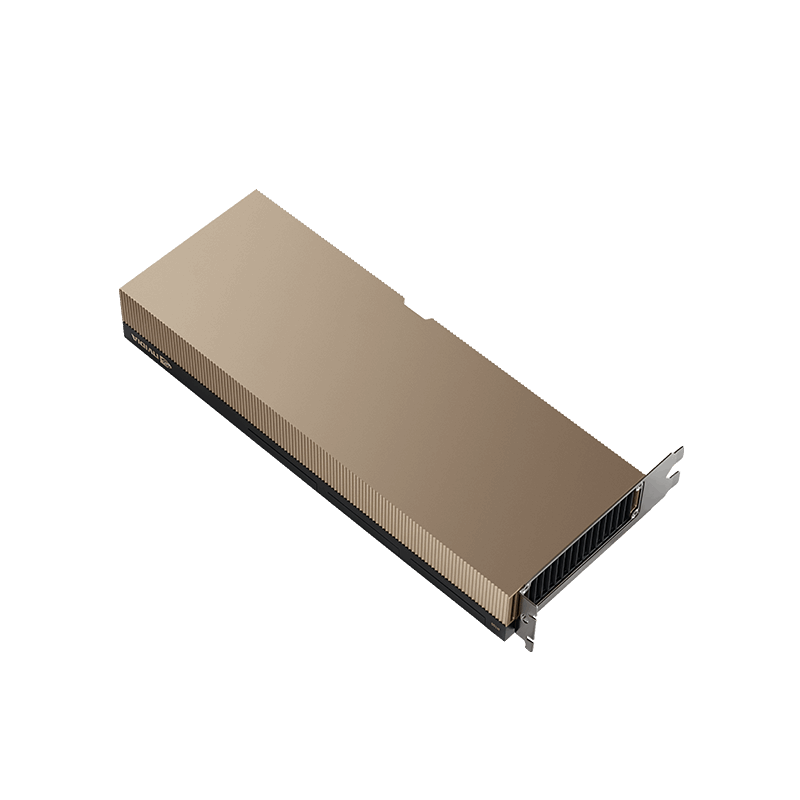
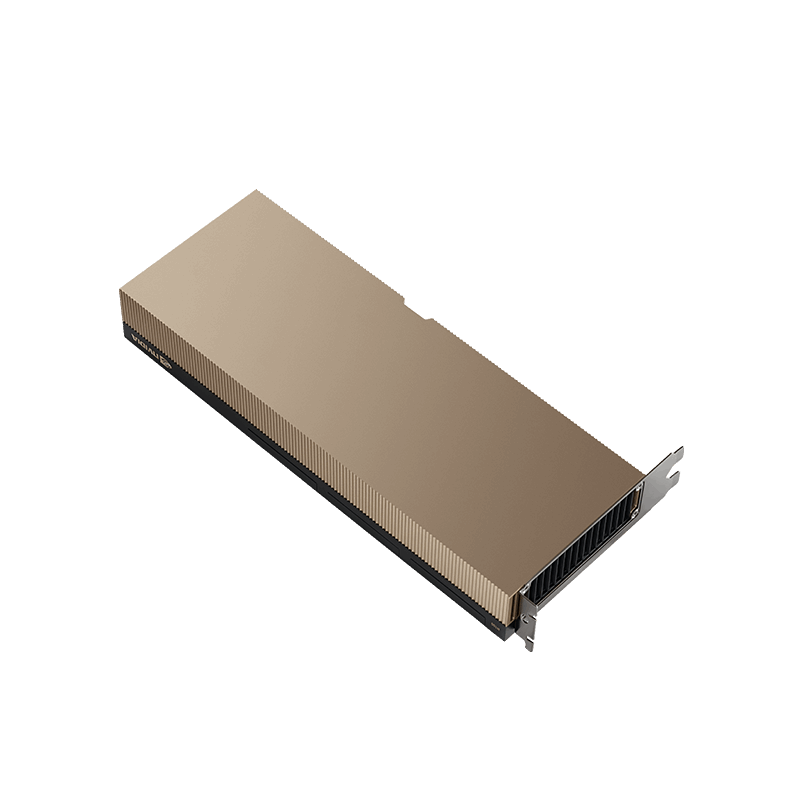
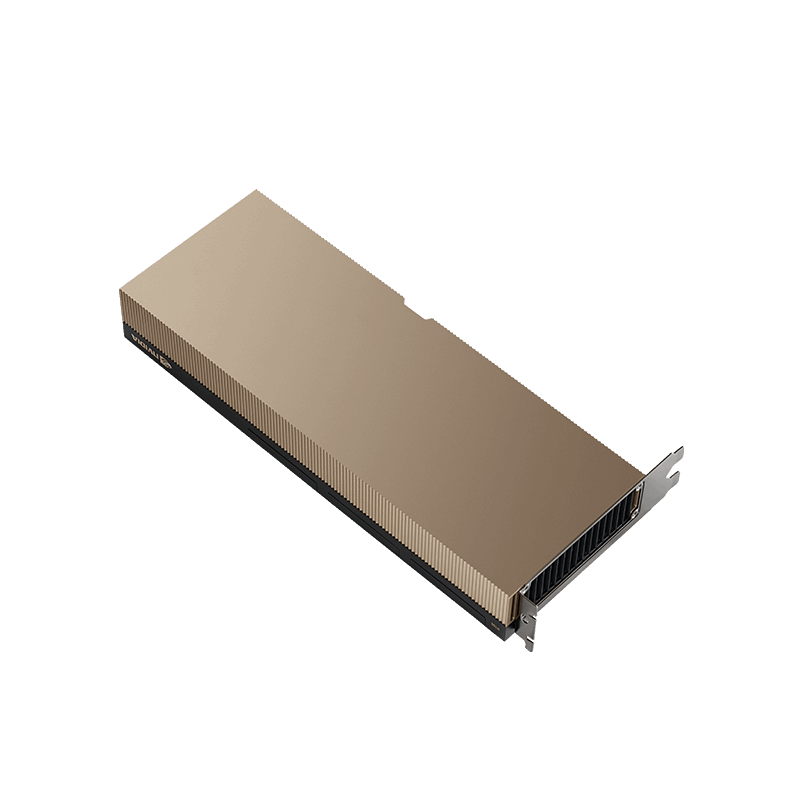
- PNY NVIDIA H200 NVL 141 GB HBM3E PCIe: retail packaging, TCSH200NVLPCIE-PB
- The same card in bulk packaging: TCSH200NVLPCIE-BLK, for integration
- PNY NVIDIA H100 NVL 94 GB HBM3 PCIe: previous generation, currently to order
FAQ
Does vGPU work through mdev on H200 NVL?
No. Only SR-IOV mode is available, with 32 virtual functions. A question on the NVIDIA forum about 56 MIG profiles across eight GPUs under KVM without AI Enterprise went unanswered.
Is a switch required to link two servers with H200 NVL?
Per an NVIDIA forum moderator, no: two ConnectX-7 adapters connect back to back. The trap sits elsewhere. If the cards and the adapter land on different NUMA nodes, traffic gets routed through the CPUs.
Does a single H100 NVL card work without a pair?
Yes. ServeTheHome ran a separate article on exactly this, because so many listings quote 188 GB. That 188 GB is two cards at 94 each.
How much faster is H200 NVL than H100 NVL in practice?
NVIDIA claims up to 1.7× on LLM inference and up to 1.3× on HPC, without publishing the conditions behind either measurement. Independent results run from 0% to 3.4×, and context length decides the outcome.
These models are in our catalogue
Need to work out whether 141 GB is really your number?
Send us the model, the context length, the number of concurrent requests and the server brand. Our engineers will tell you whether one card covers it.
Get a consultation