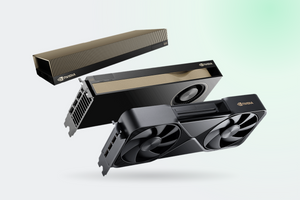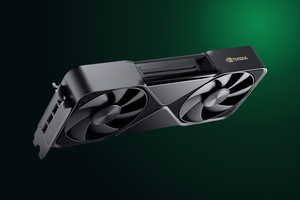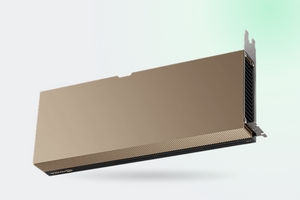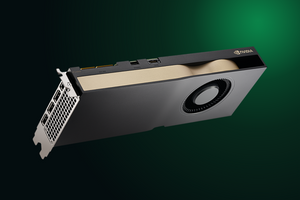
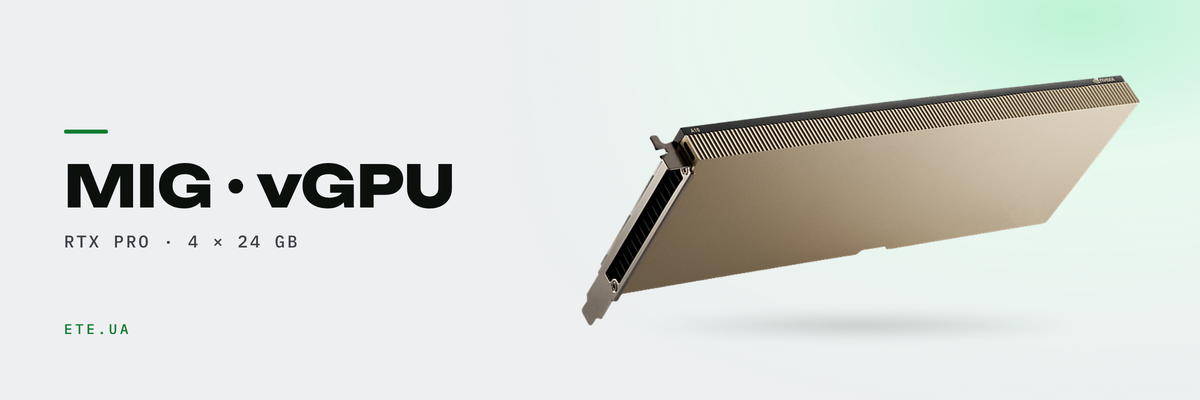
There are two ways to split one card. MIG carves the GPU in hardware into isolated instances with their own memory, vGPU slices time instead and bills a license per user. Below are the numbers: how many VMs a given card actually holds, what you have to buy alongside the hardware, and where the design breaks down.
In brief
- RTX PRO 6000 Blackwell splits into 4 instances of 24 GB, RTX PRO 5000 into 2, H100 into 7. L40S has no hardware partitioning at all
- MIG needs no license. Unlicensed vGPU runs 20 minutes, then drops to 1280×1024 and 3 frames per second
- Ceiling on the RTX PRO 6000 Server Edition: up to 48 vGPUs on graphics profiles, 12 on the DC-8C compute profile
- Of the Blackwell cards, only the Server Edition got vGPU. Workstation and Max-Q have MIG without it
- MIG-backed vGPU works on vSphere, RHEL KVM and Ubuntu KVM. Those profiles are unavailable on Windows Server
MIG and vGPU: what gets divided, and along which axis
MIG cuts the card in hardware. Each instance gets its own compute blocks, its own memory and its own share of memory bandwidth, so a neighbor on the same card cannot touch your performance. vGPU works differently: every VM sees the same physical card and takes turns using it.
| Comparison point | MIG | Time-sliced vGPU |
|---|---|---|
| Principle | space, fixed slices | time, a queue and context switching |
| Memory and fault isolation | enforced in hardware | none |
| Codecs and 3D | dedicated per instance | shared across all VMs |
| License | not required | vApps, vPC, vWS or AI Enterprise |
| Hypervisor | not required, Linux with CUDA | mandatory, and from the support list |
Sources: MIG-backed vGPU, MIG deployment
A hybrid exists too. MIG-backed vGPU places a virtual card on top of a hardware slice, and inside that slice you can still divide by time. At the 48 GB profile size the mode delivered 20% more than pure time slicing, according to the NVIDIA sizing guide.
How many pieces each card yields
Instance count is fixed by the architecture and no setting will change it. Seven partitions are the preserve of data center cards on HBM.
| GPU | Memory | Max instances |
|---|---|---|
| RTX PRO 6000 Blackwell, all three editions | 96 GB | 4 |
| RTX PRO 5000 Blackwell | 48 GB | 2 |
| RTX PRO 4500 Blackwell | 32 GB | 2 |
| H100 PCIe and SXM5 | 80 or 94 GB | 7 |
| L40S, L40, A40, GeForce | 48 GB and below | no MIG |
Source: MIG supported GPUs. H200 and A100 split into 7, A30 into 4
The RTX PRO 6000 offers 1g.24gb profiles (four of them), 2g.48gb (two) and the full 4g.96gb, each with a +gfx variant that keeps graphics inside the slice. Before Blackwell that was impossible: the line “no graphics APIs are supported” still sits in the documentation, now with a note carving out this series. Split four ways, 96 GB and 188 SMs come out as 23.62 GiB and 46 SMs apiece, and GPT-OSS-20B on one such slice returns roughly 80 tokens per second.
Card, workload, seats per card
| Card | Workload | Profile | Seats per card |
|---|---|---|---|
| RTX PRO 6000 SE | office VDI | B profiles, vPC | up to 48 |
| RTX PRO 6000 SE | heavy CAD and 3D | DC-12Q, DC-16Q, DC-24Q | 2-4 |
| RTX PRO 6000 SE | inference on small models | DC-8C, time slicing | 12 |
| RTX PRO 6000 SE | inference with guaranteed resources | MIG 1g.24gb, DC-4-24C | 4 |
| RTX PRO 5000 | two isolated jobs | MIG 1g.24gb | 2 |
| RTX PRO 4500 | light desktop seats | DC-4Q | 6-8 |
| L40S | virtual workstations | L40S-8Q | 6, or 4 in a mixed layout |
Sources: GPUs for vWS, VDI configurations, Blackwell vGPU types
The 48 and the 12 are not in conflict. Forty-eight is the graphics profile count, twelve is the ceiling for compute profiles. The sizing guide adds that a best effort scheduler “often results in a 2-3x oversubscription”: when people are not all working flat out at the same moment, more seats fit. One monitoring rule to hold on to: when the frame buffer inside a VM keeps hitting the profile ceiling, raise the profile rather than the seat count.
Licensing: without it the card lasts 20 minutes
Three products, and the count runs per concurrent user rather than per card. vApps covers application streaming: one display, 1280×1024, A series profiles. vPC covers virtual desktops: four displays up to 5120×2880, B series, no CUDA. vWS covers CAD and development: up to 7680×4320, Q series, CUDA, and several vGPUs attached to a single VM. On the NVIDIA price list vWS costs five times what vPC does and twenty five times what vApps does, so picking the wrong product hurts more than picking the wrong card.
Compute C profiles are outside that trio. They live only in NVIDIA AI Enterprise, which is licensed per GPU in the server rather than per person. Someone asked on the forum whether vWS, vPC or vApps come bundled with AI Enterprise. The answer was short: no, C profiles only. A mixed fleet means two separate purchases.
When the license link drops, a two-stage degradation kicks in: twenty minutes at full speed, then a cap of 1280×1024, three frames per second and CUDA switched off. Restoring the connection lifts the limits, though applications still have to be restarted.
Hypervisors
| Platform | vGPU | MIG-backed vGPU |
|---|---|---|
| vSphere ESXi, RHEL KVM, Ubuntu KVM | yes | yes, since 19.0 |
| Windows Server Hyper-V | yes, since 18.0 | no |
| Proxmox VE | yes, since 18.0 | MIG by hand from the CLI only |
| Nutanix AHV, Citrix XenServer | yes | not stated |
Sources: vGPU features KB, Proxmox VE wiki, vGPU 20.0
Two details wreck deployment plans more often than anything else. On Proxmox the MIG instances are created by hand from the command line, the vGPU to slice mapping cannot be changed, and AI Enterprise is not officially supported there. Live Migration demands the same GPU model plus matching driver and hypervisor versions on both hosts, and it will not move a VM between different MIG profiles.
What actually breaks
The longest saga belongs to the RTX PRO 6000 Blackwell. Cards shipped with vBIOS 98.02.52.00.02 while MIG requires 98.02.55.00.00, which did not exist at launch. Buyers were greeted with “Unable to enable MIG Mode: Not Supported” and asked on the forum, “why sell a feature and not allow it?”. The working sequence was written up by a forum member posting as eousphoros: update the vBIOS through your partner, flip the card into compute mode with the DisplayModeSelector utility, and profiles start assigning. A thread from 30 June 2026 describing the same problem is still open.
Compute mode has consequences. On a workstation where that card is the only one and drives the monitor, video output goes dark. BAR1 grows from 256 MB to 64 GB of contiguous address space, and the motherboard has to be able to map it. If it cannot, reverting the setting on that same machine is no longer possible.
The edition limit that decides the purchase
All three RTX PRO 6000 editions do MIG, but vGPU is supported only on the Server Edition. The workstation card splits into four instances for local containers, yet cannot hand them to virtual machines. March 2026 made it worse: in driver 580.126.20 MIG and host CUDA both work while the mdev layer is gone; in the 580.126.08-vgpu branch mdev is present but host CUDA is not. No build with both has been found.
Limits that apply to every card: MIG disables NVLink and peer-to-peer, GPUDirect between MIG devices is unsupported, and NCCL does not work with MIG at all. Building distributed training on a partitioned card makes no sense, and NVIDIA states the intent plainly: MIG is for workloads that do not need a whole GPU. Linux with CUDA only.
Does partitioning make anything faster
It depends on whether a single job saturates the card. If it does not, partitioning raises aggregate throughput.
| Test | Whole card | Partitioned |
|---|---|---|
| A100 40 GB, flan-t5-base | ~3,400 tok/s | ~9,800 across 7 slices of 1g.5gb |
| H100, two models on vLLM | 4,940 tok/s | 7,110 across two slices |
| Voice pipeline | 0.74 req/s | 1.00 on MIG, 0.76 on time slicing |
| Single job on a 1/7 slice | 0.00533 s | 0.02640 s, 5 times worse |
Sources: Red Hat, H100 test, NVIDIA blog, forum 314963
That last row matters most. An individual job gets slower on a slice, because the slice really is one seventh of the card across three resources at once. The gain shows up only when many slices exist and all of them are busy, and even then scaling is sublinear: the MIGPerf benchmark found that N instances will not give you N times the throughput.
The second reason to partition in hardware is predictability. In a seven tenant test on the A100, the protected service held P95 near 1,319 ms on MIG against 2,499 ms on a shared card, and bursts from the neighbors barely moved its latency.
What we have in stock
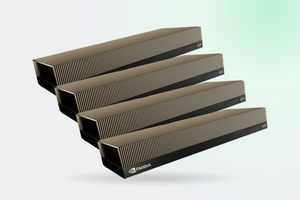
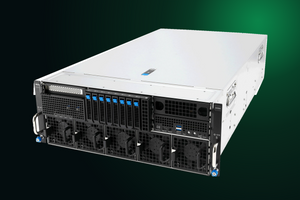
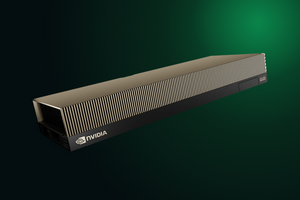
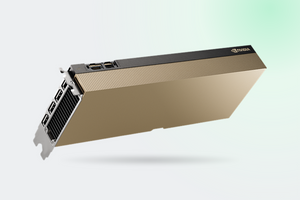
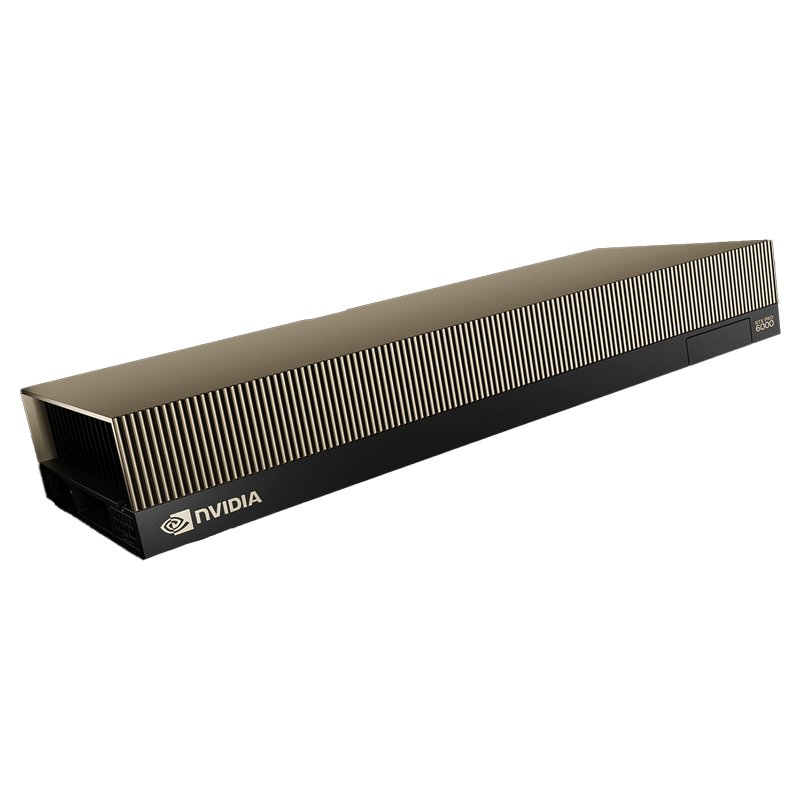
- RTX PRO 6000 Server Edition 96 GB: the only edition with MIG and vGPU together. Passive cooling, so the chassis has to supply the airflow
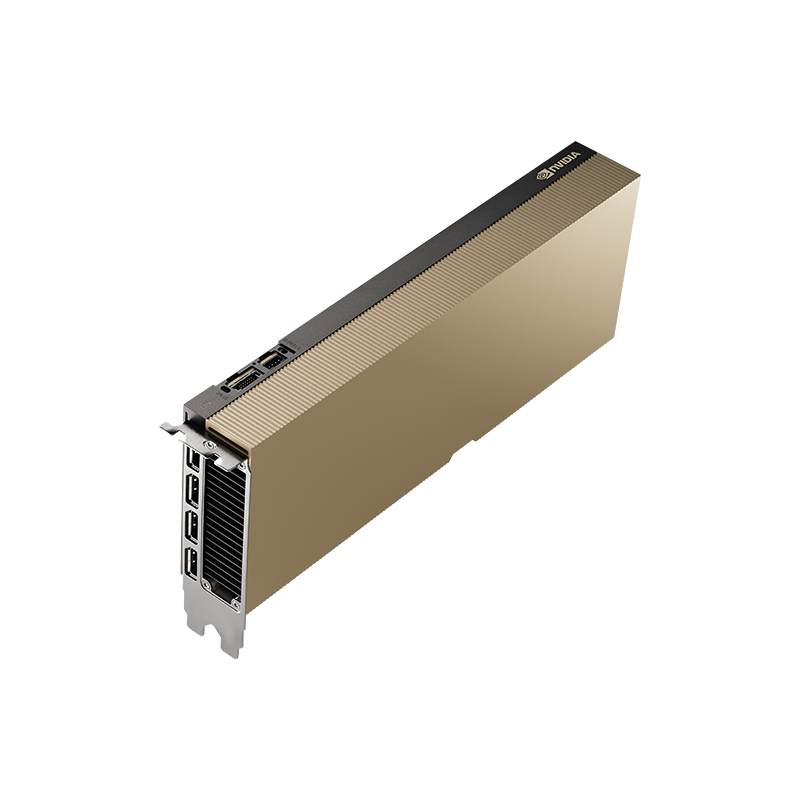
- L40S 48 GB: no hardware partitioning, but a solid card for time-sliced VDI, up to 6 profiles of 8Q
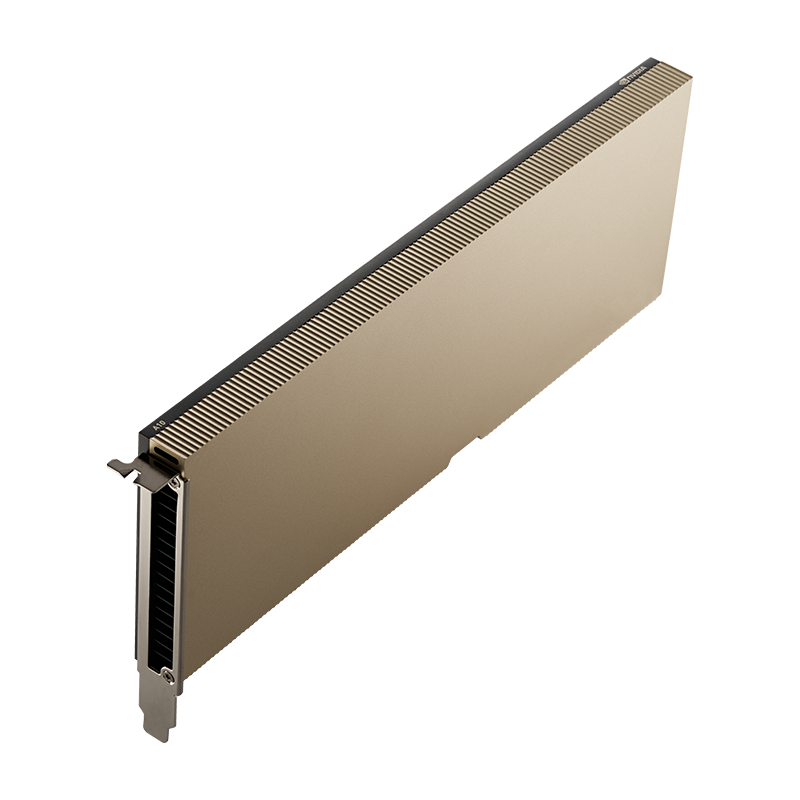
- RTX PRO 5000 Blackwell 48 GB: two instances of 24 GB, for separating two jobs without paying for 96 GB
- RTX PRO 5000 Blackwell 72 GB: more memory for models, and MIG needs DisplayModeSelector 1.76
FAQ
Enabling MIG returns “Not Supported”. Is that a driver bug or a documentation error?
Neither. Check the vBIOS (98.02.55.00.00 or newer is required), a driver from 575.51.03 onward, and the display mode: it ships as graphics, and MIG only enables in compute mode.
MIG enables on the RTX PRO 5000 48 GB but not on the 72 GB in the same machine. Why?
The older utility does not recognize the device ID and returns 0x2BB3. You need DisplayModeSelector 1.76, since 1.72 stops short.
We picked the L40S on TFLOPS per dollar. How do we partition it with MIG?
You do not, the card has no hardware partitioning, which leaves licensed vGPU. Verify the partitioning model before the purchase order goes out: this is the single most common mistake when choosing a card for virtualisation.
Do +gfx profiles support ray tracing?
Unknown. One user reported that some Vulkan extensions, VK_NV_ray_tracing among them, do not work, while the documentation claims graphics API support without listing which APIs. NVIDIA never replied in that thread.
How many CAD seats does one card really hold?
The sizing guide gives 2-4 heavy users on the RTX PRO 6000 and 6-8 light ones on the RTX PRO 4500. Microsoft reported 30 Siemens NX seats on a single card in Azure Virtual Desktop, though the methodology behind that post could not be verified. Your own number comes from a pilot on your real models.
These models are in our catalogue
Let us size the density for your workload
Tell us which hypervisor you run, how many people you serve and what they launch. Our engineers will match the card, the profile and the license, and point out where the configuration will hit a driver limit.
Get a consultation