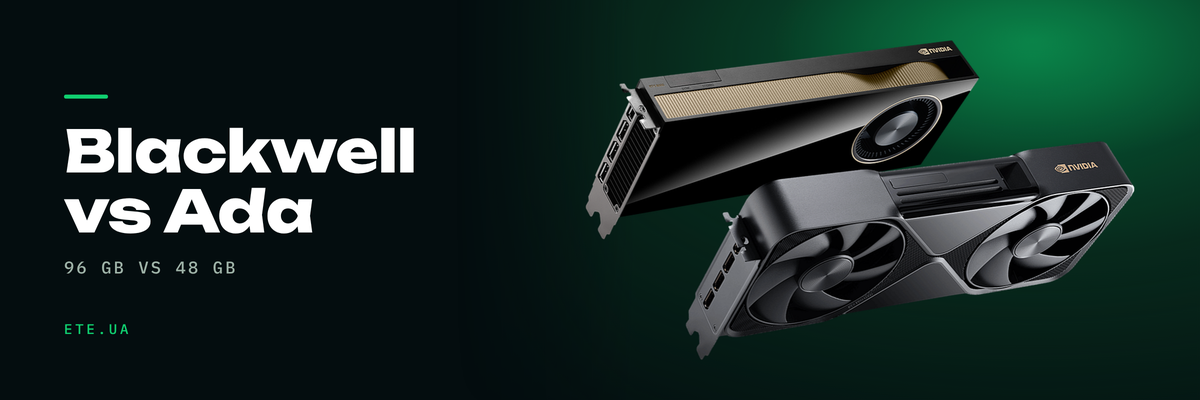
One card gives you 48 GB and runs on 300 W, the other gives 96 GB and asks for 600. Between them sit a single generation, twice the memory, a new FP4 precision and a board that will not drop into every chassis. Here is what the surcharge actually buys, and where RTX 6000 Ada still closes the requirement.
In brief
- 96 GB of GDDR7 against 48 GB of GDDR6, bandwidth of 1792 against 960 GB/s
- 24,064 CUDA cores against 18,176, FP32 of 126 against 91.1 TFLOPS
- Fifth-generation Tensor Cores handle FP4. On Ada the ceiling is FP8
- 600 W against 300 W, plus a board an inch taller and an inch and a half longer
- MIG splits Blackwell into four 24 GB instances. Ada has no hardware partitioning at all
- Llama 3.3 70B in Q4 runs on a single card: 27 tokens per second
What changed in one generation
| Spec | RTX 6000 Ada | RTX PRO 6000 Blackwell WS |
|---|---|---|
| Memory | 48 GB GDDR6 with ECC | 96 GB GDDR7 with ECC |
| Memory bus | 384-bit | 512-bit |
| Bandwidth | 960 GB/s | 1792 GB/s |
| CUDA cores | 18,176 | 24,064 |
| Tensor / RT cores | 4th and 3rd generation | 5th and 4th generation |
| FP32 | 91.1 TFLOPS | 126 TFLOPS |
| RT Core | 210.6 TFLOPS | 382 TFLOPS |
| Headline AI figure | 1457 effective FP8 TFLOPS with sparsity | 4000 AI TOPS in FP4 with sparsity |
| System interface | PCIe 4.0 ×16 | PCIe 5.0 ×16 |
| Displays | 4× DisplayPort 1.4a | 4× DisplayPort 2.1b |
| Video engines | 3× NVENC, 3× NVDEC | 4× 9th-gen NVENC, 4× 6th-gen NVDEC |
| MIG | none | up to 4×24 GB, 2×48 GB or 1×96 GB |
| TDP | 300 W | 600 W |
| Size, slots | 4.4 × 10.5 inches, 2 slots | 5.4 × 12 inches, 2 slots |
| CUDA / Vulkan | 11.6 / 1.3 | 12.8 / 1.4 |
Sources: RTX 6000 Ada datasheet, RTX PRO 6000 Blackwell Workstation Edition datasheet
FP32 grew by 38%, RT Core by 81%, memory bandwidth by 87%. That last number is the one to plan around.
Memory counts for more than cores
Into 48 GB a 70-billion-parameter model fits only under aggressive quantization and with a short context, and the KV cache has to be trimmed. Into 96 GB the same model drops in at Q4 with a working context, and there is room left over. llama-bench figures on a single request, RTX PRO 6000:
| Model | Prompt reading | Generation |
|---|---|---|
| llama3.1 70B Q4_K_M | not reported | 27 tok/s |
| qwen3-next 80B Q4_K_M | 3274 tok/s | 124 tok/s |
| qwen2.5 32B | not reported | 56 tok/s |
| mistral-nemo 12B | 8325 tok/s | 158 tok/s |
There is a trap here that budget planning walks into regularly. Two RTX 6000 Ada boards do not add up to 96 GB: the datasheet prints a flat “No” next to NVLink, traffic goes over PCIe, and a model that missed the fit on one card has to be split across layers at a speed penalty. Practitioners frame the second card differently: keep several specialized models resident at once, say an LLM, a reranker and an embedding model.
FP4 and fifth-generation Tensor Cores
FP4 halves the memory footprint of FP8, and that is exactly where the headline 4000 AI TOPS comes from. The datasheet footnote reads “effective FP4 TOPS with sparsity”, so on a dense model without sparsity the figure lands lower. The gain from lower precision also arrives from an unexpected direction: token generation is bound by memory speed, because every token requires reading all the weights. The precision that wins is the one that makes the model physically smaller.
NVIDIA does not publish the Tensor Core count. The Workstation Edition datasheet lists the generation only, while the number 752 appears in the StorageReview writeup and carries no official confirmation. RT cores number 188, which matches the Server Edition page. Ada publishes everything openly: 568 Tensor, 142 RT.
600 W: what capping the card actually costs
The doubled TDP scares procurement more than it should. The same card was run at a 600 W and a 300 W cap on llama.cpp:
| Metric | 600 W | 300 W |
|---|---|---|
| Llama 3.1 8B Q8, prompt reading | 14,040 tok/s | 10,093 tok/s |
| Llama 3.1 8B Q8, generation | 165.1 tok/s | 155.6 tok/s |
| Llama 3.3 70B Q8, prompt reading | 1734.6 tok/s | 906.6 tok/s |
| Llama 3.3 70B Q8, generation | 20.5 tok/s | 19.3 tok/s |
| Peak TFLOPS at the cap | 423.2 | 260.2 |
Halving the power cap costs roughly 6% on generation and close to half the throughput on reading a long prompt. In chat the difference barely registers. In RAG, agent pipelines and long-document work it shows up immediately, because there the prefill phase sets the response time. If the requirement is 96 GB inside a 300 W envelope, Max-Q covers it: the same GDDR7 with ECC in a 4.4 × 10.5 inch board, the RTX 6000 Ada form factor.
What Ada could not do at all
MIG carves the card into isolated instances: four at 24 GB, two at 48, or one across all 96. Ada has no hardware partitioning whatsoever, and the only route there is vGPU with a ceiling of 32 virtual machines per card (16 in mixed-size mode), while enabling vGPU shuts off the physical display outputs of the RTX 6000 Ada. That restriction is a footnote in its own datasheet.
MIG on Blackwell has an unpleasant history. Retail cards shipped with firmware 98.02.52.00.02, MIG needs at least 98.02.55.00.00, and the NVIDIA position was that the vBIOS update has to come from the partner that sold the card. Ask for the firmware revision before you sign off on the order. Separately, in Proxmox vGPU is officially supported on Server Edition only, and Workstation Edition drops out of that scenario.
What the benchmarks show
| Test on RTX PRO 6000 Workstation | Result |
|---|---|
| LM Studio, Llama 3.1 70B | 31.84 tok/s |
| LM Studio, GPT-OSS 120B | 163.1 tok/s |
| Stable Diffusion XL FP16 | 5.364 s per image |
| Stable Diffusion 1.5 INT8 | 0.395 s per image |
| Blender 4.4, Monster scene | 7870 samples/min |
| V-Ray | 12,128 vpaths |
| System draw under SDXL | 918.5 W average, 1036.3 W peak |
The power numbers were taken at the wall for the whole test bench, not the card alone. Source: StorageReview
Now the honest weak spot in every comparison of these two cards. Paired runs, where both boards went through the same build on the same day, are thin on the ground, and nearly all of them cover rendering rather than LLM work. StorageReview does have such pairs: Blender 4.4 on the Monster scene gives 7870 samples/min against 5633 for the RTX 6000 Ada, while V-Ray returns 12,128 vpaths against 10,766. That works out to 40% in one test and 13% in the other on the same bench, which is the most honest answer to “how much faster”: it depends on the workload more than on the generation. One more hard data point for Ada sits in The Register review: FLUX.1 Dev in BF16, 50 steps at 1024×1024 takes 37 seconds on it, and a fine-tune of Llama 3.2 3B over a million tokens about 30 seconds.
What the slide decks leave out
NVLink is never mentioned in the RTX PRO 6000 documentation. Third-party sources say it was removed and everything runs over PCIe Gen5, which again means two cards will not present a single 192 GB pool. As for ECC on GDDR7, users could not turn it off: on earlier generations it was disabled for render work, here the nvidia-smi commands have no effect. No official NVIDIA answer ever appeared in that thread, and nobody stated how many gigabytes ECC takes either.
Early drivers added work. Version 575.51.03 returned “No devices were found”, because Blackwell runs only on the open kernel module. Then came the Xid 119 GSP timeout thread, where both cases ended in an RMA, and separately Xid 79 with the card falling off the bus as late as 580.159.03. A pair of cards on certain motherboards hung the system within 5 to 60 minutes on PCIe Gen4, stability returned at Gen3, and the fix turned out to be enabling PCIe Spread Spectrum. The card is not a bad card. Just budget time for matching firmware, driver and motherboard, and do not schedule the install for the Friday before a delivery date.
When the upgrade pays for itself, and when Ada stays the sane choice
Buy Blackwell if the model runs from 70 billion parameters up, or 30B with a long context; if you need MIG to divide one card between teams; if you have a video pipeline and four ninth-generation NVENC engines cover the actual volume; if the workload reads long prompts constantly. And if the workstation already has a power supply with headroom, a chassis for the longer board and clearance behind it for airflow.
Stay on Ada if the model already lives inside 48 GB and is not growing; if the fleet is standardized and identical drivers are worth more to you than the extra throughput; if the power budget for the room is fixed. Going from 300 W to 600 pulls in a new supply, sometimes a new chassis, and in a multi-card build a dedicated 20 amp circuit as well. One more thing: neither generation has meaningful FP64, so for numerical simulation the move to Blackwell changes nothing.
What we have in stock
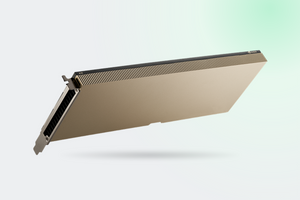
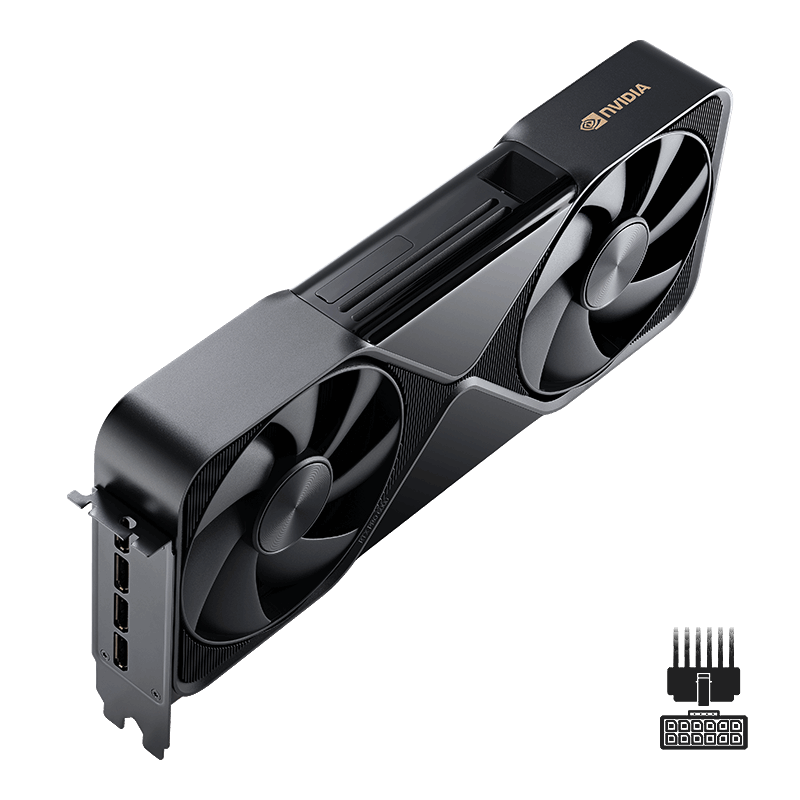
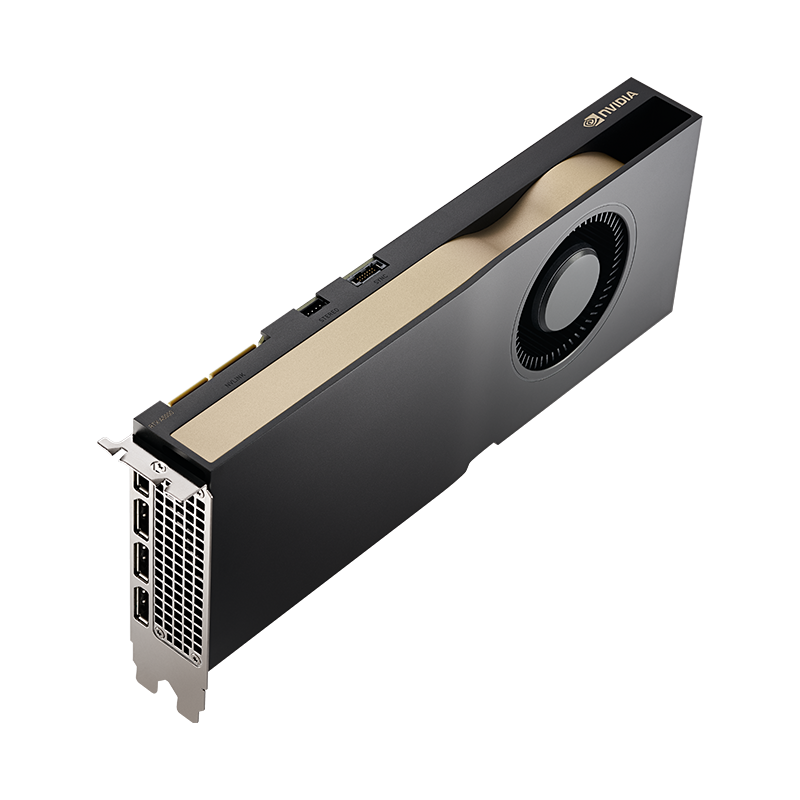
- RTX PRO 6000 Blackwell Workstation Edition 96 GB: 600 W, double-flow-through cooling, an OEM version is available too
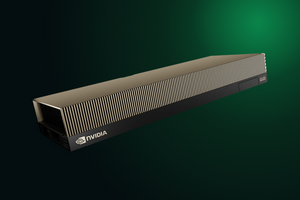
- RTX PRO 6000 Blackwell Max-Q: the same 96 GB inside a 300 W envelope and the Ada form factor
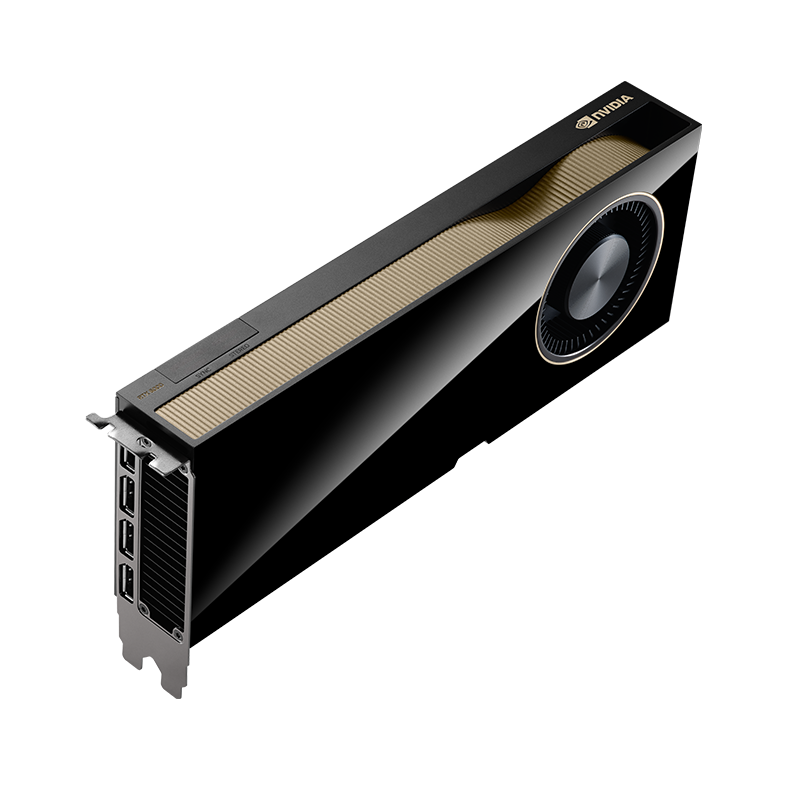
- RTX 6000 Ada 48 GB: active cooler, 300 W, plus an OEM option
- RTX PRO 6000 Server Edition: passive, for server chassis, with vGPU support
- NVIDIA L40S 48 GB: the same silicon as Ada, built for round-the-clock duty in a rack
FAQ
What do two cards give you over one?
Not 192 GB. There is no NVLink, and the memory does not merge into one pool. The real benefit: keeping several specialized models resident at once, or parallelizing render jobs.
Does MIG work out of the box?
On retail cards at launch it did not. Firmware 98.02.55.00.00 is the minimum, and cards were shipping with 98.02.52.00.02. Working configurations were logged on the forum at 98.02.81.00.07.
Why does the card hold 450 W instead of 600?
The cap is set by the sense configuration of the 12VHPWR cable. In Supermicro servers one cable part number is configured for 450 W, and 600 W needs a different one. In nvidia-smi it reads as Max Power Limit 450 W with a minimum of 300.
Is a 15 amp circuit enough?
For one card, yes. For a multi-card build, no: a workstation with four Max-Q boards measured 1650 to 1800 W at the wall under full load, and the practitioner advice is a 20 amp circuit.
Can ECC be disabled for render work?
On earlier generations it could. On GDDR7 users report that the nvidia-smi commands do nothing, and no official explanation from NVIDIA has appeared in the relevant thread.
One RTX PRO 6000 or two DGX Spark units?
That is a choice between 96 GB of fast GDDR7 and 256 GB of slow unified memory. On one LMSYS bench with gpt-oss 20B the card produced 215 tokens per second of generation, Spark 49.7.
These models are in our catalogue
Not sure 96 GB is what you need?
Tell us which models or scenes you plan to run, how many people will share the card and what is already installed in the workstation. An engineer will work out whether RTX 6000 Ada covers it or Blackwell is the smarter buy up front, and will spec the power supply and chassis to match.
Get a consultation