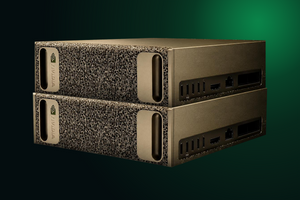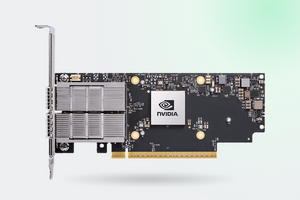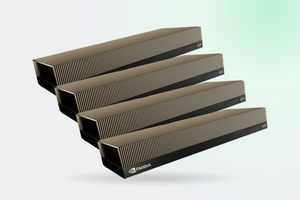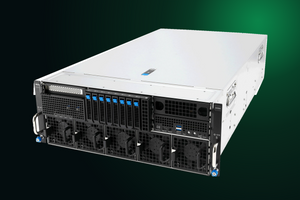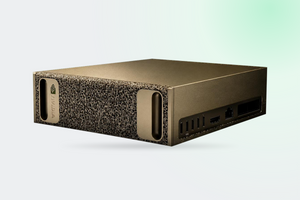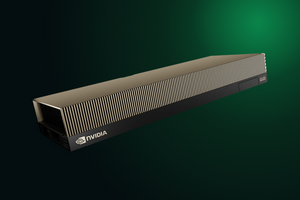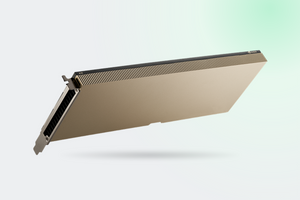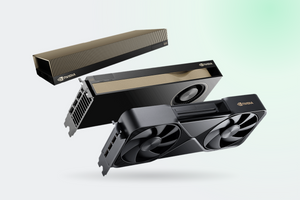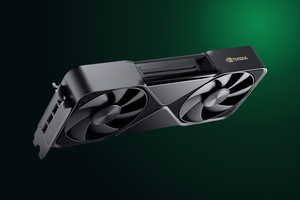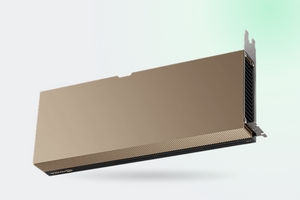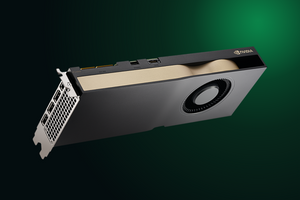
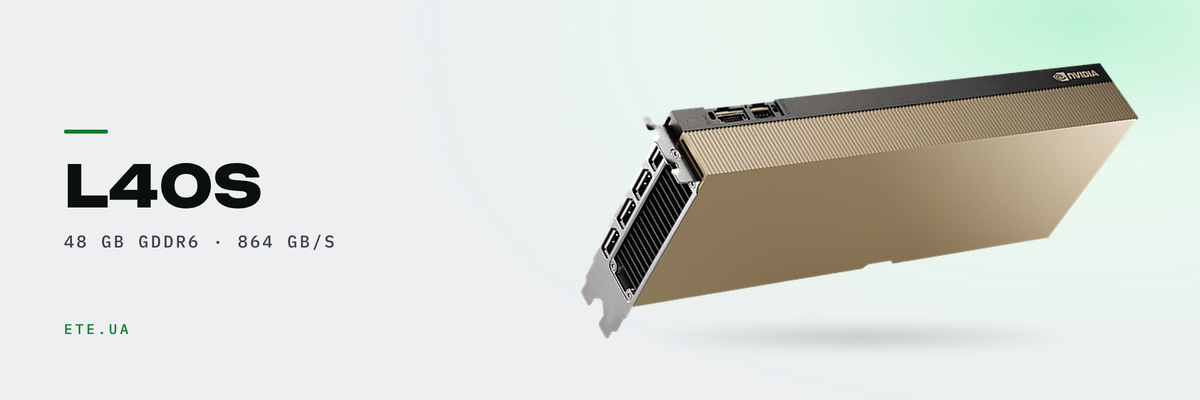
The NVIDIA L40S is an AD102 die in a passive server package: 48 GB of GDDR6 with ECC, 568 Tensor Cores, 142 RT cores. The vendor sells it as a generative AI card, while the people who own one also push rendering and virtual desktops through it. Here is the spec sheet, other people's benchmark numbers, and the jobs this card should not be given.
In brief
- 48 GB GDDR6 with ECC and 864 GB/s. Same die as the L40 and the RTX 6000 Ada
- Two things separate it from the L40: 350 W instead of 300, and double the tensor figures (FP8 733 against 362 TFLOPS)
- NVIDIA's own comparisons: up to 5× the inference performance of the A40, and up to 1.2× against the A100
- The vGPU ceiling is 32 machines, and only on the 1 GB profile. A designer needing 8 GB gets 6 seats
- No FP64, no NVLink, no MIG. The card is passive: in a workstation it climbs to 100°C
What is inside
One die covers three cards. The L40, the L40S and the RTX 6000 Ada are all built on AD102 with identical internals: 18,176 CUDA cores, 568 Tensor Cores, 142 RT cores, 48 GB of GDDR6 with ECC. They diverge in three places: cooling, declared tensor throughput and memory speed. The Ada runs its memory at 960 GB/s, both L40 cards at 864 on the same bus width.
| Spec | L40S |
|---|---|
| Cores | AD102: 18,176 CUDA, 568 Tensor, 142 RT |
| Memory | 48 GB GDDR6 with ECC, 384-bit, 864 GB/s |
| FP32 and RT Core | 91.6 and 212 TFLOPS |
| FP8 Tensor | 733 TFLOPS, 1,466 with sparsity |
| Video | 3× NVENC and 3× NVDEC with AV1, 4× DisplayPort 1.4a |
| Power and size | 350 W, 2 slots, 4.4″ × 10.5″, 16-pin connector |
| Cooling | passive, no fans on the board |
| Virtualisation | vGPU yes, profiles from 1 to 48 GB. No MIG, no NVLink |
Sources: L40S page on nvidia.com, L40 product brief
Keep one number separate from the rest. Those 864 GB/s set the ceiling on token generation, because emitting a single token means reading every weight in the model.
How the L40S differs from the L40
Everyone who opens both datasheets ends up asking this.
| Parameter | L40 | L40S | Difference |
|---|---|---|---|
| TDP | 300 W | 350 W | +50 W |
| FP32 | 90.5 | 91.6 | +1.2% |
| RT Core | 209 | 212 | +1.4% |
| TF32 Tensor | 90.5 | 183 | ×2.02 |
| BF16 and FP16 Tensor | 181.05 | 362.05 | ×2.0 |
| FP8 Tensor | 362 | 733 | ×2.02 |
TFLOPS without sparsity. Memory and core counts are identical. Sources: L40 datasheet, L40S page
FP32 differs by 1.2%, the tensor figures by exactly a factor of two. Same die, same core count, same memory. The question was put to the developer forum, and NVIDIA answered like this: «The spec details in the respective PDF files are correct. They are not written in a way to be directly comparable because those GPUs serve completely different needs». No technical explanation followed.
The positioning differs too. The L40 is presented as a visualization and Omniverse card, the L40S as a generative AI card. NVIDIA lists clock speeds in neither datasheet: third-party databases put the L40 at 735 MHz base and 2,490 boost, the L40S at 1,065 and 2,520.
Inference: what to actually expect
The headline comparison on the product page is «up to 5X higher inference performance than the previous-generation NVIDIA A40». NVIDIA does compare against the A100 too, more modestly: «up to 1.2x more generative AI inference performance and up to 1.7x training performance compared with the NVIDIA A100». The 1.5× inference figure common on reseller blogs appears nowhere in NVIDIA's own material.
User measurements are more interesting. In one forum thread InstantNGP, 3D Gaussian Splatting and ResNet training were run in FP32, and the L40S landed at 80% of RTX 6000 Ada speed against a budgeted 1.5× gain. Robert_Crovella of NVIDIA explained it in the same thread: expect roughly 1:1, with the small Ada advantage surfacing where everything comes down to memory bandwidth, 960 GB/s against 864. On the A100 comparison, the same thread puts the L40S in the 0.8 to 1.2 range, and only on selected FP8 workloads.
ServeTheHome states the card's position without decoration: it wins on availability. The H100 at the time cost roughly 2.6× as much.
Then there is capacity. A dense 70-billion-parameter model in FP8 takes about 70 GB, which does not fit in 48. Two cards will not fix it either: NVLink on the L40 is documented as «Not supported».
Rendering, video and Omniverse
Here the card is on home ground. 212 TFLOPS on the RT cores, three encoders and three decoders with AV1 in both directions. The L40 datasheet lists the workloads plainly: Omniverse Enterprise, batch rendering, cloud gaming, virtual workstations.
Published render benchmarks on the L40S specifically are thin on the ground. The closest reference point: The Register ran FLUX.1 Dev (12 billion parameters, BF16, 50 steps) in 37 seconds on an RTX 6000 Ada. Applying that 80% figure, the L40S should land near 45 seconds. That is arithmetic, not a measurement.
In rendering, 48 GB matters more than clock speed. A scene that does not fit in 24 GB will not render on such a card at all.
How many virtual desktops it carries
It all comes down to the per-user profile. Below are the Q profiles, meaning the RTX Virtual Workstation edition for 3D and CAD.
| Profile | Memory per seat | VMs per card | Mixed-size mode |
|---|---|---|---|
| L40S-48Q | 48 GB | 1 | 1 |
| L40S-24Q | 24 GB | 2 | 2 |
| L40S-16Q | 16 GB | 3 | 2 |
| L40S-12Q | 12 GB | 4 | 4 |
| L40S-8Q | 8 GB | 6 | 4 |
| L40S-6Q | 6 GB | 8 | 8 |
| L40S-4Q | 4 GB | 12 | 8 |
| L40S-2Q | 2 GB | 24 | 16 |
| L40S-1Q | 1 GB | 32 | 16 |
Source: Virtual GPU Software User Guide DU-06920-001, pp. 222 and 223
Read the table from the bottom up. Thirty-two machines means a 1 GB frame buffer profile, so email and a browser. A CAD designer needs 8 GB or more, which brings you to six seats. The hardware ceiling on the L40 agrees: 32 SR-IOV virtual functions.
Two traps here. The line «1 × 48 NVIDIA vWS» gets read as 48 users per card, when it means one card with 48 GB. And in mixed-size profile mode the density drops below plain arithmetic because of packing limits: six 8 GB instances become four.
Licences are counted separately, on the Concurrent User model. Another gap: the NVIDIA sizing guide gives no maximum vGPU count per board for the L40S, and the «24 VDI per card» figure originated in a user's forum question.
ServeTheHome captured the most interesting deployment pattern in one line: «vGPU workloads during the day and then transitioned to AI workloads in the evening».
Where it loses to specialised cards
FP64 is effectively absent. Double precision appears in no datasheet for the L40S, the L40 or the RTX 6000 Ada. The verdict on the ServeTheHome forum is blunt: «L40S and ADA 6000 can not do FP64 calculations.. So things like math modeling is out of the question». CFD and finite element work belong elsewhere.
Memory bandwidth. 864 GB/s against 3.35 TB/s on the H100 SXM and 4.8 TB/s on the H200 NVL. In token generation that is a multiple, not a margin. ServeTheHome again: these are «not the cards if you need absolute memory capacity, bandwidth, or FP64 performance».
No MIG. The L40S page on nvidia.com says it outright: «Multi-Instance GPU (MIG) Support: No». The L40 product brief agrees, hardware partitioning is absent from the whole Ada architecture. The forum has buyers who picked the card for its TFLOPS and only afterwards went looking for a way to split it.
The next generation raises the ceiling. The RTX PRO 6000 Blackwell Server Edition brings 96 GB of GDDR7, 1,597 GB/s, MIG with four isolated instances and up to 48 concurrent users when MIG is combined with vGPU.
A passive card: the mistake that costs real money
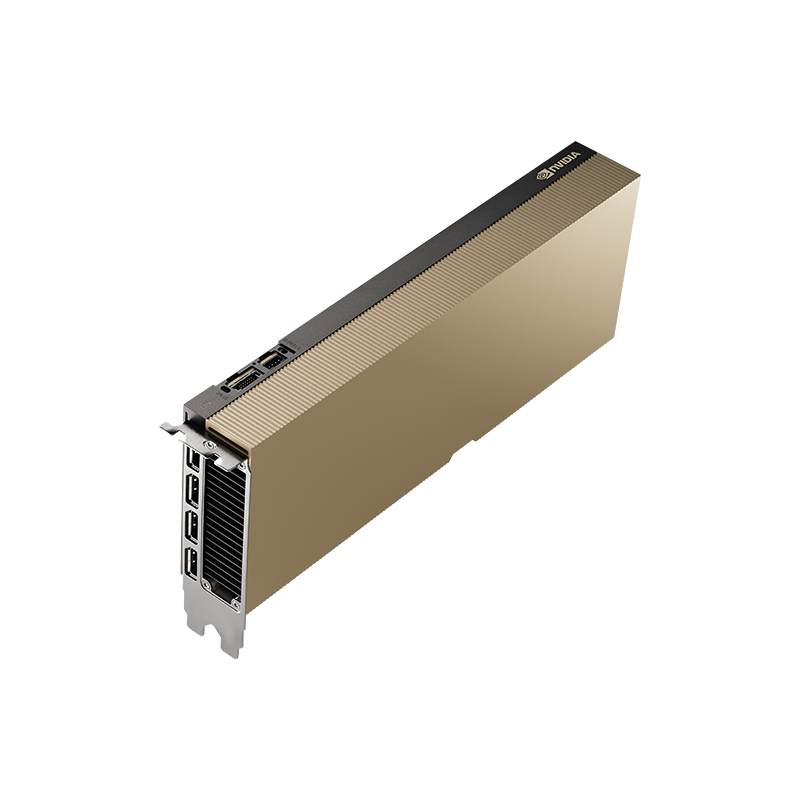
There is not a single fan on the L40S board. It needs forced airflow from the front panel to the back, the kind a server chassis produces. Putting it in a workstation is out, and the NVIDIA forum holds an instructive case: the card in a Dell Precision 7875, 100°C at idle, an exclamation mark in Device Manager and the error «insufficient system resources exist to complete the API». The community verdict: the card is passive and relies on server fans, «it is not really suited to workstations».
A diagnostic tip from the same thread: read the power draw in software. Low wattage at idle clocks means the air is short on pressure rather than volume. NVIDIA publishes no CFM or static pressure requirements for its passive cards, so planning happens at the chassis level.
On the ServeTheHome forum the difference is framed this way: the RTX 6000 Ada with its cooler is built for 8 hours a day, five days a week, while the L40S board was re-engineered for higher temperatures and «design for 24/7».
What we have in stock
- PNY NVIDIA L40S 48 GB (TCSL40SPCIE-PB): retail packaging
- PNY NVIDIA L40S 48 GB (TCSL40SPCIE-BLK): the same card in bulk packaging
- PNY NVIDIA L40 48 GB (TCSL40PCIE-PB): the visualization and Omniverse variant
- PNY NVIDIA L40 48 GB (TCSL40PCIE-BLK): bulk version of the L40
- PNY NVIDIA RTX 6000 Ada: the same die with a cooler on it
- PNY NVIDIA RTX PRO 6000 Server Edition 96 GB: the Blackwell generation, with MIG
FAQ
Is it normal for an L40S to sit at 100°C when idle?
No, and the cause is almost always the same. The card needs server airflow, and a workstation does not produce it. Check the power draw in software: low wattage at idle clocks points to a lack of pressure.
Why do the datasheets show a twofold FP8 gap with identical cores?
There is no official explanation. NVIDIA replied that both documents are correct but were not written to be compared directly. Benchmark your own workload rather than trusting a line in a PDF.
The 2B profile gives 24 machines per card. Why is the L40S not recommended for vPC?
That exact question sits unanswered on the NVIDIA forum. B profiles are technically available. But a cheaper card covers office seats, and the RT cores and FP8 units in the L40S would sit idle.
The L40S has no MIG. How do we split the card between workloads?
Through vGPU only, meaning software partitioning with a licence per concurrent user. If your project spec calls for hardware isolation, take the Blackwell Server Edition.
L40S or RTX 6000 Ada for LLM work?
The sharpest answer comes from practice: «We use both but L40S for production and 6000 Ada for developers». The L40S is built to run around the clock inside a server, the Ada for a working day in a workstation, with 11% more memory bandwidth.
These models are in our catalogue
Not sure the L40S covers your specific scenario?
Tell us which models you plan to run, how many people will work in virtual workstations and which chassis the card goes into. An engineer will size the profiles, licences and card count, and check that the server moves enough air.
Get a consultation